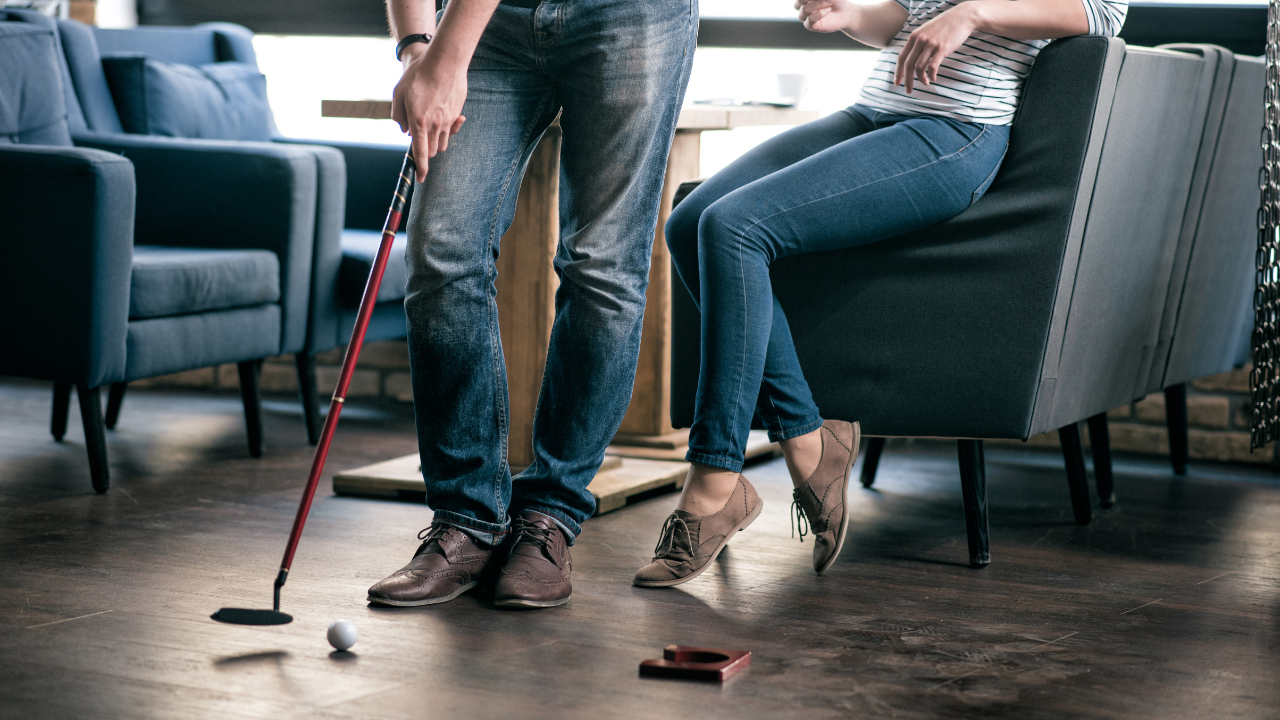
Many golfers assume a home golf simulator requires a garage, basement, or dedicated practice room. In reality, apartment golf simulator setups are becoming increasingly common thanks to compact launch monitor technology and portable simulator components designed for smaller living spaces.
While apartment installations require more planning than garage builds, they can still provide meaningful practice value when configured correctly.
This guide explains how apartment golf simulator setups work, what equipment fits smaller spaces, how to reduce noise and safety concerns, and how to build a realistic simulator environment without permanent modifications.
Can You Install a Golf Simulator in an Apartment?
Yes — many apartment residents successfully install compact simulator setups.
The key differences between apartment installations and traditional simulator rooms include:
- limited ceiling height
- smaller room depth
- shared walls
- noise considerations
- temporary equipment requirements
Apartment-friendly simulators typically focus on:
- swing improvement
- distance control training
- simulator-based course play (with compact setups)
- practice consistency between range visits
Even compact apartment setups can support meaningful performance improvement.
The Most Important Question: Do You Have Enough Ceiling Height?
Ceiling height determines whether a simulator setup is realistic inside an apartment.
Typical requirements:
Minimum workable height:
- 8.5 feet
Comfortable full-swing height:
- 9 feet
Ideal simulator ceiling height:
- 9.5 to 10 feet
Many apartment living rooms meet the minimum swing requirement, especially for average-height golfers.
Testing swing clearance before purchasing equipment is essential.
How to Test Swing Clearance in an Apartment Safely
Before installing any simulator equipment, confirm that full swings are possible.
Testing steps:
- Stand where the hitting mat would be placed
- Swing a driver slowly
- Gradually increase swing speed
- Confirm comfortable follow-through clearance
- Check overhead lighting fixtures
Testing with both irons and drivers provides the most accurate results.
Swing confidence matters as much as technical clearance.
Best Rooms in an Apartment for Simulator Installation
Some apartment spaces work better than others.
Common simulator-friendly locations include:
Living rooms
spare bedrooms
home offices
loft spaces
open-concept layouts
Rooms with flexible furniture layouts provide the most installation options.
Many apartment owners create temporary simulator zones that convert back to living space after practice sessions.
Minimum Apartment Space Requirements for Simulator Setups
Apartment simulator setups work best when minimum dimensions are respected.
Recommended compact setup dimensions:
Width:
- 9 feet minimum
- 10 to 12 feet preferred
Depth:
- 10 feet minimum
- 12 to 14 feet ideal
Ceiling height:
- 8.5 feet minimum
These dimensions support most portable launch monitor systems designed for indoor use.
Choosing the Right Launch Monitor for Apartment Simulator Setups
Launch monitor selection is the most important equipment decision for apartment installations.
Apartment-friendly launch monitors usually feature:
- compact footprint
- minimal ball-flight distance requirements
- quiet operation
- fast alignment
- tablet compatibility
Launch monitors that sit beside or in front of the hitting zone often perform best in smaller spaces.
Systems requiring extended ball flight tracking distance are typically harder to use inside apartments.
Impact Nets vs Impact Screens in Apartments
Most apartment simulator setups rely on impact nets instead of full projection screens.
Impact nets offer several advantages:
- easier setup
- lower noise levels
- reduced wall impact force
- compact storage
- lower equipment weight
Projection screens can still work in apartments but require additional planning.
Projection-compatible setups improve simulator immersion but increase installation complexity slightly.
Noise Considerations for Apartment Golf Simulator Setups
Noise control is the most important difference between apartment simulators and garage installations.
Simulator noise sources include:
club impact sound
ball contact sound
screen or net impact sound
launch monitor audio feedback
Noise control solutions include:
foam floor tiles
thicker hitting mats
impact net positioning
acoustic wall panels
lower-compression golf balls
Reducing impact noise helps maintain good relationships with neighbors in shared buildings.
Using Foam Golf Balls vs Real Golf Balls Indoors
Apartment setups sometimes benefit from foam golf balls during early practice sessions.
Foam balls reduce:
- impact noise
- wall vibration
- rebound risk
- neighbor disturbance concerns
However, foam balls also reduce tracking accuracy on some launch monitor systems.
Many golfers switch to real balls once noise protection measures are installed.
Choosing the Right Hitting Mat for Apartment Use
Hitting mat quality affects both performance and noise control.
Apartment-friendly mats should provide:
stable footing
shock absorption
quiet impact response
floor protection
Thicker mats reduce vibration transfer into apartment flooring structures.
They also improve swing comfort.
Floor Protection for Apartment Simulator Setups
Protecting flooring surfaces is essential inside apartments.
Helpful protection layers include:
rubber gym flooring
foam interlocking tiles
simulator landing mats
turf flooring strips
These materials reduce:
floor damage risk
noise transfer
vibration travel
Floor protection improves both safety and simulator performance.
Wall Protection Solutions for Apartment Simulator Spaces
Wall protection is especially important in smaller practice areas.
Protection options include:
impact net placement distance
foam wall padding
curtain-style ball barriers
portable simulator enclosures
Even compact wall protection improves confidence during practice sessions.
Lighting Setup Tips for Apartment Simulators
Lighting plays a major role in indoor simulator tracking performance.
Best practices include:
avoid strong shadows near hitting zone
avoid direct glare on impact screen
maintain consistent overhead lighting
avoid spotlight-style lighting
Camera-based launch monitors benefit most from controlled indoor lighting conditions.
Can Apartment Simulators Support Full Course Play?
Yes — depending on the setup configuration.
Full-course simulation requires:
launch monitor compatibility
simulation software support
display screen visibility
adequate swing clearance
Some apartment setups begin as practice-only environments and later expand into projection-based simulator rooms.
Tablet-based simulation systems also support compact course play setups.
Projector Setup Options for Apartment Simulator Installations
Projectors improve realism but require careful positioning.
Apartment-friendly projector options include:
short-throw projectors
portable projector stands
floor-mounted projector supports
table-mounted projector placement
Short-throw projectors reduce space requirements significantly.
Many apartment simulators successfully use compact projection solutions.
Cable Management Tips for Apartment Simulator Installations
Temporary simulator setups benefit from organized cable placement.
Helpful solutions include:
cable covers
wall-safe adhesive clips
floor-safe cable channels
portable equipment cases
Clean cable routing improves safety and setup speed.
Storage Solutions for Apartment Simulator Equipment
Apartment simulator components should remain easy to store between sessions.
Common storage solutions include:
vertical net storage
rolling equipment carts
wall-mounted mat storage racks
protective launch monitor cases
Efficient storage allows practice spaces to return to normal living areas quickly.
Apartment Simulator Setup Safety Tips
Safety planning is essential inside shared residential spaces.
Important safety considerations include:
maintaining screen distance from walls
confirming swing clearance
protecting nearby furniture
maintaining stable hitting mat placement
ensuring launch monitor alignment stability
Safe setups increase confidence during practice sessions.
Best Apartment Layout Styles for Simulator Installations
Certain apartment layouts naturally support simulator installation.
Ideal layouts include:
open living rooms
corner practice zones
loft-style apartments
long rectangular rooms
Flexible layouts provide easier target-line alignment.
Can Left-Handed and Right-Handed Players Share an Apartment Simulator?
Yes — but space planning matters.
Dual-player apartment setups benefit from:
centered hitting mat placement
adjustable launch monitor positioning
wider impact net setups
Shared-player simulator layouts work best in living rooms rather than narrow bedrooms.
How Accurate Apartment Simulator Setups Can Be
Apartment simulator accuracy depends primarily on:
launch monitor selection
lighting consistency
swing clearance
equipment placement
Many apartment-friendly systems provide excellent indoor tracking reliability when configured correctly.
Compact environments often produce highly consistent shot data because lighting conditions remain stable.
Apartment Simulator Setup Budget Expectations
Apartment-friendly simulator setups are typically less expensive than full garage installations.
Typical budget ranges include:
Entry-level setups:
$500–$1,500
Practice-focused systems with nets and compact launch monitors.
Mid-range setups:
$1,500–$4,000
Simulation-ready systems with projection-compatible nets and software integration.
Premium compact setups:
$4,000–$8,000
Projection-based simulator environments approaching full-room realism.
Apartment simulators scale easily as needs change.
Upgrading an Apartment Simulator Setup Over Time
Many apartment golfers begin with compact practice setups and expand gradually.
Typical upgrade path:
Stage 1:
launch monitor + hitting mat
Stage 2:
impact net installation
Stage 3:
software simulation upgrade
Stage 4:
projector installation
Stage 5:
portable enclosure system
Gradual upgrades improve realism without requiring immediate large investments.
Common Apartment Simulator Mistakes to Avoid
Common installation mistakes include:
skipping swing clearance testing
choosing oversized nets
placing screens too close to walls
ignoring floor protection
using unstable hitting mats
Avoiding these mistakes improves both safety and simulator accuracy.
Final Thoughts: Apartment Golf Simulator Setups Are More Practical Than Most Golfers Expect
Modern launch monitor technology makes apartment golf simulator setups more accessible than ever before.
With careful planning, apartment-friendly systems can support:
consistent swing practice
distance control training
simulation-based course play
year-round indoor improvement
Compact simulator environments allow golfers to maintain skill development even without access to garages or dedicated practice rooms.
For many players, apartment setups provide the perfect entry point into home golf simulation — combining flexibility, affordability, and meaningful practice value inside everyday living spaces.