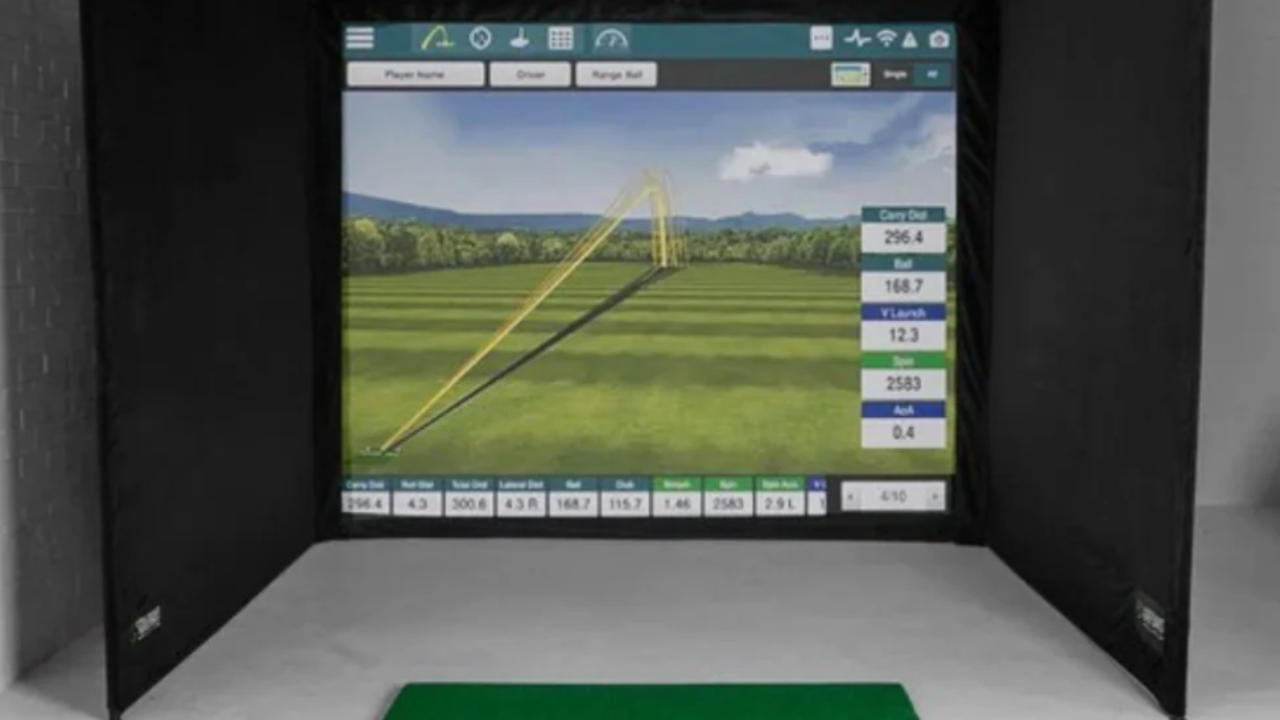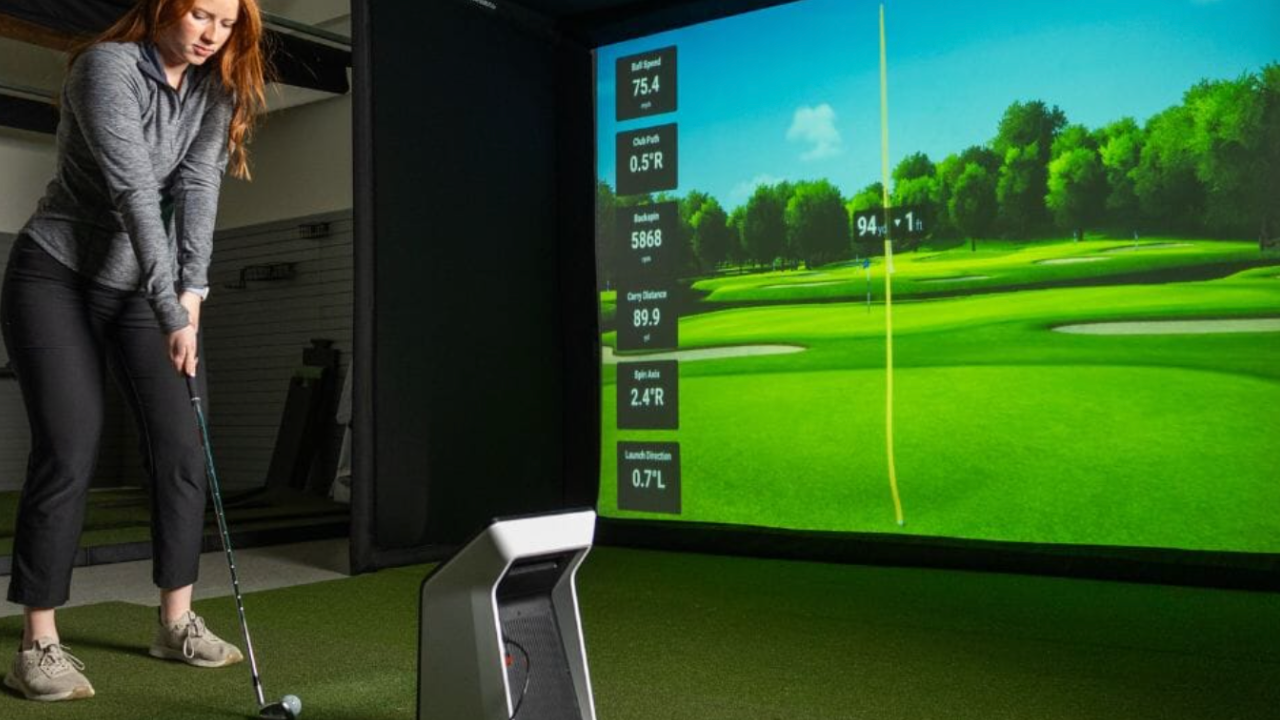
Once you’ve chosen a launch monitor or home simulator hardware, the next big decision is software. Software determines whether you’re simply seeing a ball flight graphic or engaging in real rounds, structured practice, and meaningful improvement. Several platforms dominate this space, each with its own philosophy, strengths, and limitations. Understanding their real differences — not just feature lists — helps you match your goals to the software that will keep you practicing, playing, and improving.
We’ll compare:
-
E6 CONNECT Home
-
The Golf Club (TGC 2019 / 2023 and successor platforms)
-
GSPro (Game-Improving Simulator Pro)
-
*Other notable simulation platforms (briefly)
For each, we’ll look at play experience, practice depth, realism, hardware compatibility, and long-term engagement.
E6 CONNECT Home — Rich Play with a Clear License Model
Purpose & Positioning
E6 CONNECT Home is a course-and-play-focused simulator software with strong emphasis on visual variety, multiple scoring formats, and an immersive environment. It aims to make your simulator feel like playing golf, not running drills.
Key Strengths
-
Lifetime license model — one purchase gets you access without mandatory annual renewals.
-
Multiple game modes: stroke play, Stableford, scramble, best ball, and mini games — giving variety that feels closer to real golf dynamics.
-
Structured practice: Dedicated areas for driving, short game, and putting.
-
Playable rounds with friends: Local multiplayer and competitive options keep sessions social.
-
Course variety: A curated set of 20+ courses that feel distinct and enjoyable.
Real-World Context
E6 CONNECT Home tends to attract golfers who:
-
Want full rounds indoors rather than just hitting balls.
-
Value variety in game types without adding complexity.
-
Prefer a one-time purchase over ongoing fees.
It’s less focused on technical performance analytics (e.g., deep shot dispersion trends), and more focused on engagement and realism of play. For many golfers, this makes practice sessions feel more like actual golf — especially when used with quality projection and a well-set space.
Ideal Use
Playful yet structured rounds with friends; course navigation; mixed practice + play; families or groups.
The Golf Club (TGC) — Deep, Player-Driven Simulation
Purpose & Positioning
Originally a commercial game series, TGC evolved into a platform supported by multiple hardware systems. Its strength lies in course creation, customization, and community content. It blurs the line between simulator software and golf video game, while still supporting real physics when paired with proper launch data.
Key Strengths
-
Custom course creation: Advanced tools let users build, edit, and share courses.
-
Extensive course libraries: Thousands of community-created designs vastly extend play variety.
-
Game feel: Controls, shot shaping, and virtual experience are often described as closest to a golf video game — but rooted in physics data.
Real-World Context
TGC is appealing to golfers who enjoy:
-
Creating and exploring unique golf environments not found on typical course lists.
-
Playing novel layouts — whether famous or invented.
-
Mixing video game-like interaction with real swing data.
Unlike platforms that focus on curated course realism (like E6), TGC’s value grows with community content. That means there’s a deeper long tail of experiences — but also sometimes uneven course quality and a steeper learning curve for custom tools.
Ideal Use
Creative players, community-driven content consumers, golfers who enjoy mixing gaming and simulation.
GSPro — Simulation Precision and Stability
Purpose & Positioning
GSPro (short for Game-Improving Simulator Pro) is often chosen by users who want solid physics and consistent performance across hardware, without the polish or licensing cost of E6 or the game-like focus of TGC.
Key Strengths
-
Responsive physics engine: Reliable ball reaction and club interaction.
-
Flexible compatibility: Works well with a range of launch monitors.
-
Stable performance: Fewer crashes or bugs reported on modest hardware setups.
Real-World Context
GSPro doesn’t try to be a social platform or a massive course library. Instead, it focuses on dependable simulation that won’t distract users with unnecessary bells and whistles. Many simulator owners appreciate this because it feels honest — you hit a shot, and the software reflects that shot accurately without noise.
GSPro includes a decent set of courses and practice environments, but it’s neither as expansive as community-driven platforms nor as polished in UI/UX as E6.
Ideal Use
Golfers prioritizing consistency, practice reliability, and straightforward simulation without subscription pricing.
Other Simulation Platforms — Short Notes
There are other platforms worth knowing about:
-
Home Tee Hero (used with Garmin launch monitors): Easy to use, flexible for portable simulators, but not as deep in course play as E6 or community content as TGC.
-
FSX Play, Creative Golf (older platforms): Still operational in some setups, but generally supplanted by TGC, E6, or GSPro in terms of updates and community engagement.
-
Custom / proprietary software bundled with premium hardware: Some high-end launch monitor ecosystems include their own software libraries. These are often tightly integrated but are more hardware partners than standalone simulator ecosystems.
Feature Comparison — Beyond Buzzwords
To choose software that matches your goals, consider these practical distinctions rather than marketing language:
Play vs Practice Orientation
-
E6 CONNECT Home: Balanced toward play first, with structured practice support.
-
TGC: Play + creativity — strong community, deep customization.
-
GSPro: Practice-oriented with reliable physics and no subscription.
Cost Model
-
E6: One-time license.
-
TGC: Sometimes subscription or platform licensing; community courses often free.
-
GSPro: Lower upfront cost, no major ongoing fees.
Learning Curve
-
E6: Moderate — intuitive menus and familiar golf formats.
-
TGC: High — powerful tools with complexity, especially for custom course creation.
-
GSPro: Low to moderate — straightforward but less flashy.
Social & Multiplayer
-
E6: Built-in options for multiplayer rounds.
-
TGC: Strong community presence; online communities share courses and content.
-
GSPro: Limited multiplayer features compared to E6 or TGC.
Match Your Goals to the Right Software
Here’s a simple way to think about which software fits you:
-
Want immersive rounds indoors with rich course play? E6 CONNECT Home.
-
Love custom content and creative variety with nearly unlimited layouts? TGC.
-
Want steady, accurate simulation with fewer distractions? GSPro.
-
Need light software for portable or multi-use setups? Home Tee Hero or similar.
Your choice doesn’t have to be exclusive. Some golfers use multiple platforms: one for practice, another for creative play, another for social gaming sessions.
What to Consider Before You Buy
-
Launch Monitor Compatibility
Make sure your launch monitor (SkyTrak, Uneekor, Garmin, TrackMan, etc.) works with the software you choose. Not all platforms support every device equally. -
Hardware Setup
Visual experience depends on your screen/projector quality, space dimensions, and lighting. Software can only be as good as the environment you run it in. -
Long-Term Engagement
Software that feels fresh six months later — through multiple courses, modes, and challenges — offers better return on investment. -
Cost Philosophy
Do you prefer one-time licenses or ongoing subscriptions? That will narrow choices quickly.
Conclusion
Golf simulator software isn’t an add-on — it’s the heart of the simulator experience. It shapes how you practice, how you play, and how you engage with indoor golf long-term. E6 CONNECT Home, TGC, GSPro, and other platforms each serve distinct types of golfers.
Rather than picking by name recognition or screenshots, think instead about:
-
Whether you value play, practice, or both
-
How much customization or community content you want
-
Your budget approach
-
Whether you want one platform or multiple tools
If you want to explore compatible software options alongside hardware and accessories suited to your space, check out our Home Golf Simulator Directory, where each tool is matched to real use cases so you can make an informed choice.