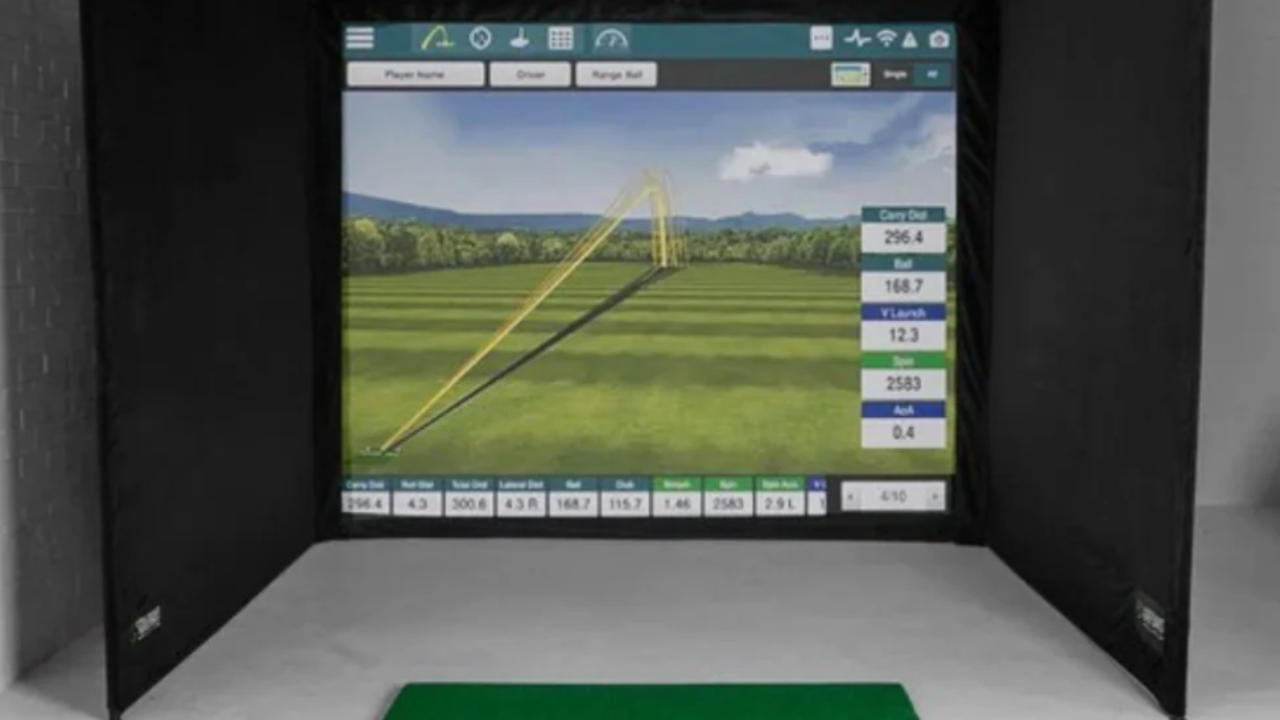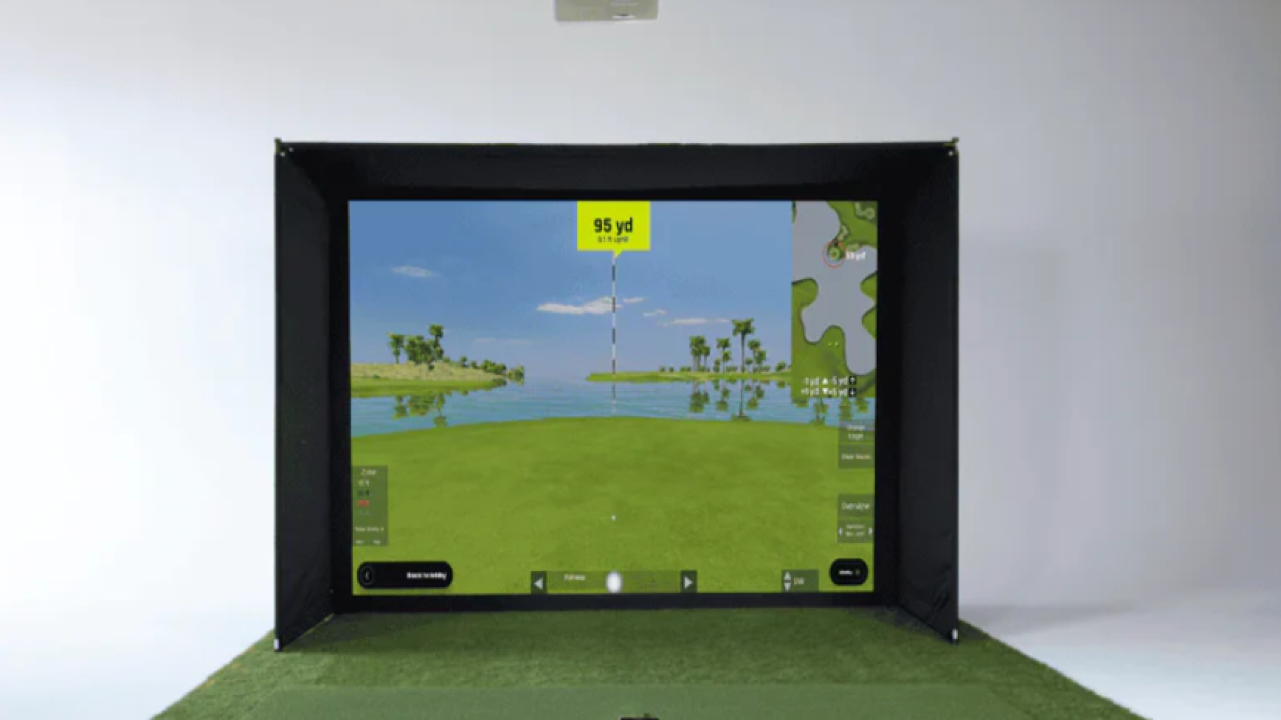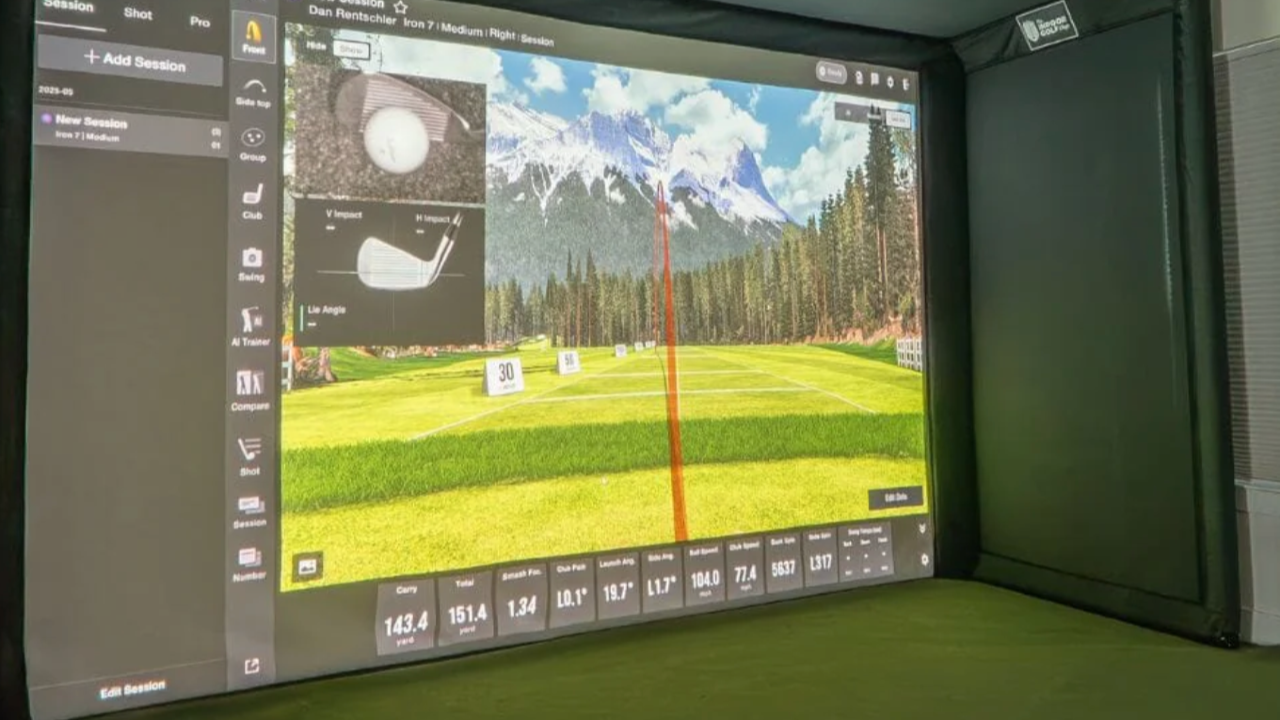
Setting up a home golf simulator can be exciting—but one of the first big decisions is where to put it. Two of the most common options are a garage or a spare room. Each comes with its own advantages, challenges, and considerations. Making the right choice early saves money, avoids frustration, and ensures you get the most realistic and safe golfing experience at home.
1. Garage Setups
Why garages are popular:
-
Often the largest available space in the house.
-
High ceilings and open layouts make it easier to accommodate full swings.
-
Can be converted into a semi-permanent setup without disturbing living areas.
Considerations:
-
Ceiling height: Most garages have 8–9 ft ceilings. Some launch monitors may need more. Consider low-swing clubs like drivers carefully.
-
Flooring: Concrete is common. Adding interlocking foam mats or turf improves comfort and protects clubs.
-
Temperature & humidity: Garages can be hot in summer and cold in winter. Ensure your equipment can handle extreme temps.
-
Lighting: Garages often lack natural light. Install bright, evenly distributed lights to reduce glare on screens.
-
Noise & neighbors: Ball impact on screens can be loud. Soundproofing or mats can help minimize echo.
Tips for Garage Setups:
-
Measure your swing area and ceiling before buying equipment.
-
Use a hitting mat that simulates real turf and absorbs impact.
-
Consider retractable screens or portable enclosures for flexibility.
-
Install cable management and power outlets for projectors and monitors.
2. Spare Room Setups
Why spare rooms work well:
-
Typically climate-controlled, so no worries about extreme temperatures.
-
Easier to make a permanent, neat setup that blends with your home.
-
Quieter and more comfortable for family use.
Considerations:
-
Room size: Standard bedrooms may only be 10x12 ft, which limits swing space and simulator accuracy.
-
Ceiling height: Rooms with lower ceilings may restrict driver swings; focus on irons or software that adjusts for limited space.
-
Flooring: Protect hardwood or carpet with mats to prevent damage.
-
Lighting & reflections: Indoor lighting can create glare on screens. Blackout curtains or controlled lighting helps.
Tips for Spare Room Setups:
-
Use compact or foldable simulators if space is tight.
-
Consider a ceiling-mounted projector or monitor placement that maximizes room depth.
-
Opt for multi-use spaces: fold-away screens or portable mats keep the room functional for other uses.
-
Add wall padding if swings are tight to prevent damage.
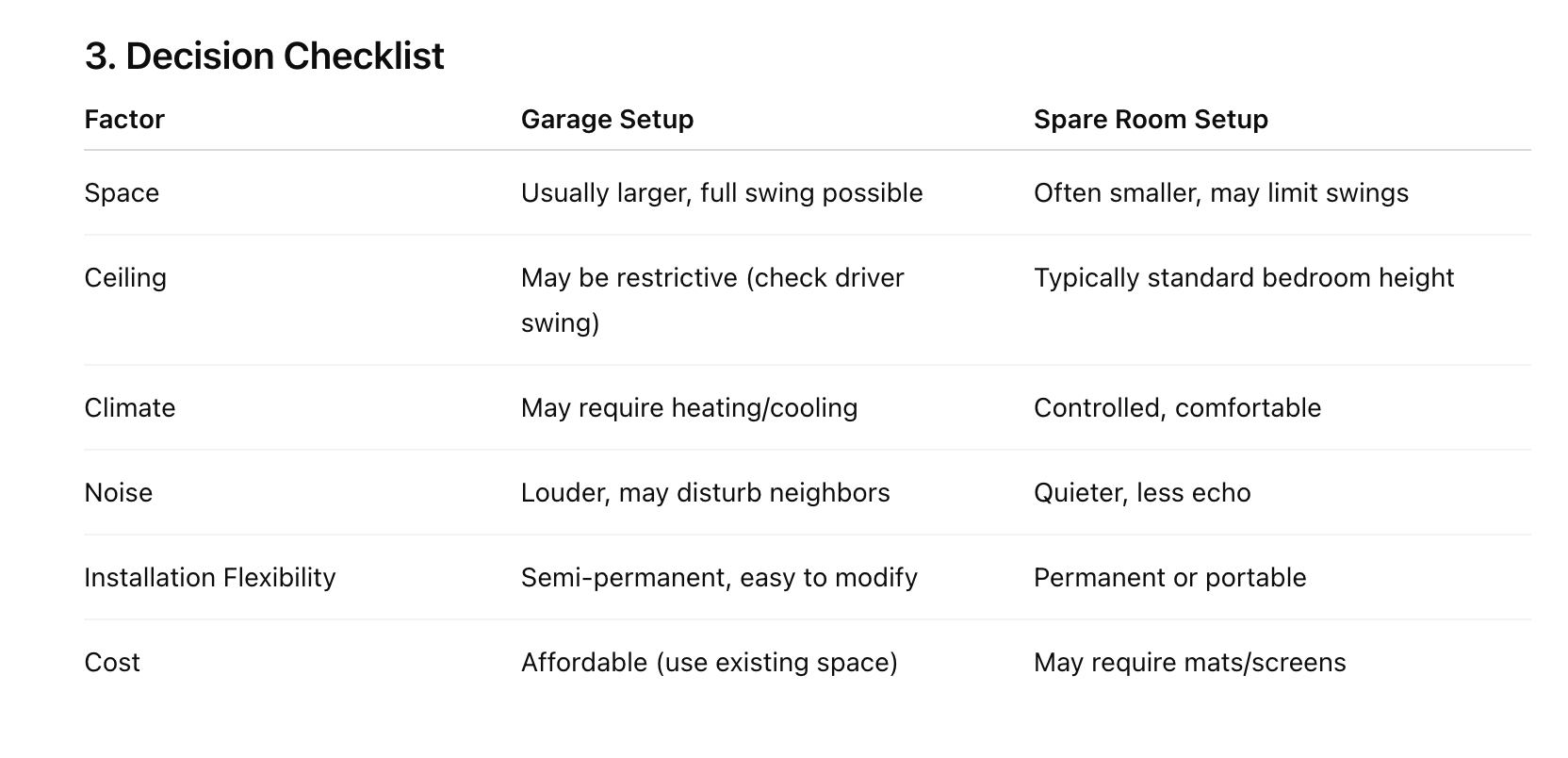
3. Decision Checklist
4. Tips to Maximize Any Space
-
Measure carefully before buying a simulator: height, width, depth.
-
Protect floors and walls: mats, padding, or foam panels reduce damage.
-
Lighting: avoid glare and reflections; consistent lighting improves tracking.
-
Adjust equipment: choose launch monitors, screens, and mats that suit your ceiling and room size.
-
Plan for upgrades: leave room for a projector, surround screens, or soundproofing if desired.
Key Takeaways
-
Garages are great for space and swing freedom, but require attention to temperature, flooring, and noise.
-
Spare rooms are better for climate control and multi-use functionality, but often need space optimization.
-
Measure, plan, and protect your space regardless of choice.
-
Choosing the right space upfront avoids frustration, ensures safety, and makes your home simulator more enjoyable.