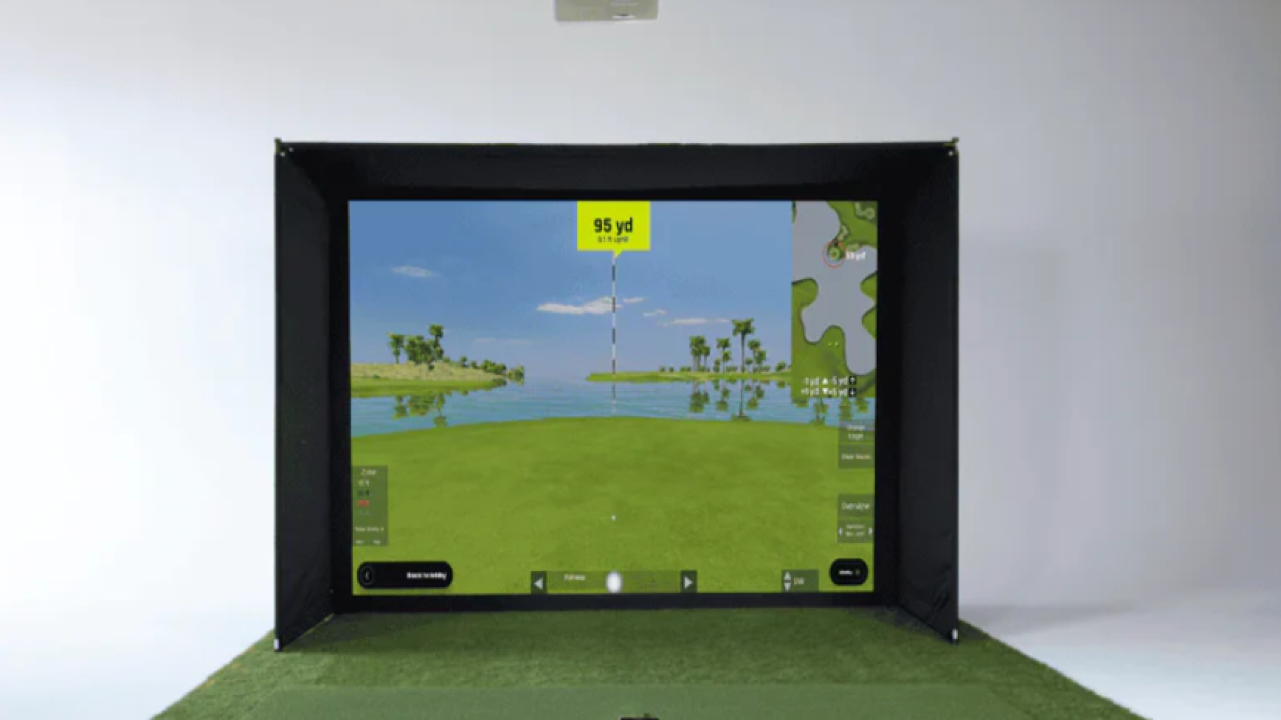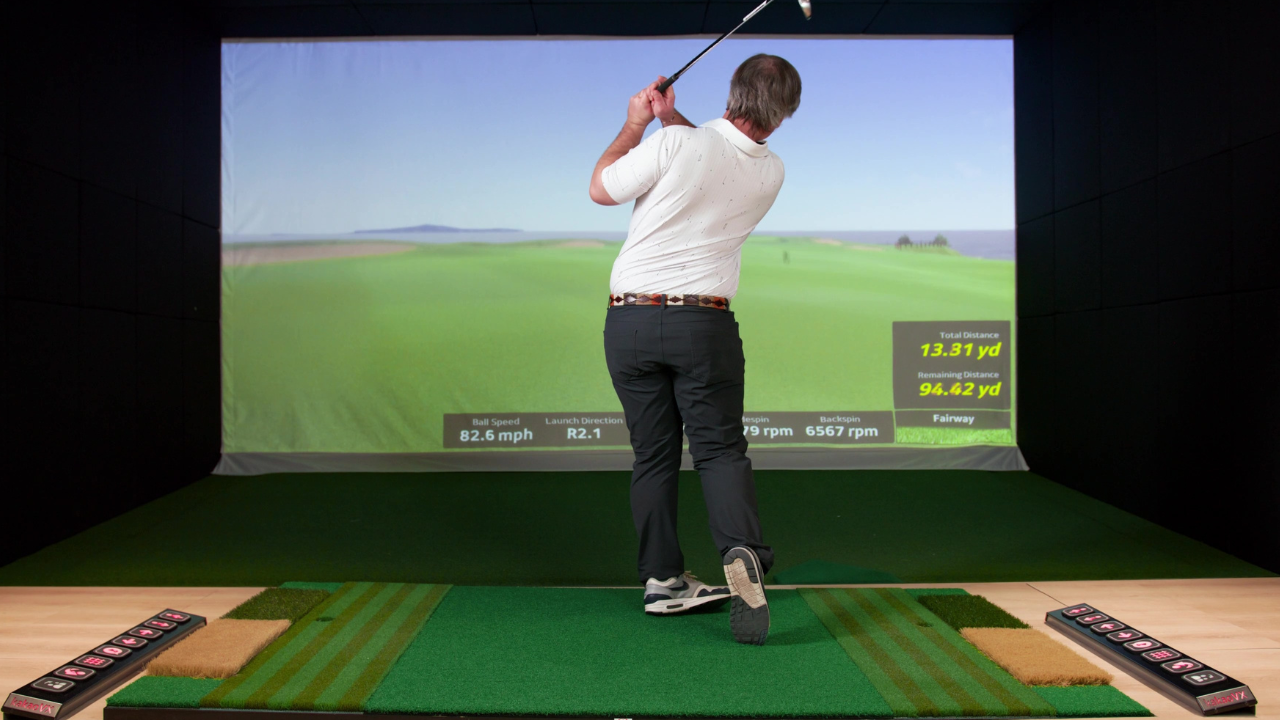
Building a home golf simulator is exciting. You see gorgeous setups on YouTube and Instagram, imagine hours of consistent practice, and picture a high‑value installation that changes your golf game for the better.
But after six months living with the gear, most buyers’ perspectives evolve. They start to notice aspects they never considered before, and their priorities shift from “what’s the most accurate hardware?” to “what actually feels right to use over time?”
Below are reflections drawn from hundreds of real discussions and first‑hand accounts — especially from Reddit threads where simulator owners talk frankly about what surprised them once the setup stopped being new.
It’s Not Just Data; It’s Trust in the Numbers
Before buying, many golfers focus on the marketed accuracy of launch monitors — spin rates, launch angles, and hundreds of data points. But after months of use, a recurring theme pops up in online communities:
“I don’t care that it can measure spin at 3,000 rpm — I care that it measures that number consistently.”
In other words, consistency matters more than theoretical precision. If readings fluctuate wildly from session to session, users stop trusting the numbers altogether, even if the system is technically more advanced on paper.
One redditor put it plainly:
“SkyTrak wasn’t perfect, but it felt predictable. I could see patterns in my swing.”
That’s why, for many non‑tour players, a mid‑range system with stable feedback ends up feeling more useful than a high‑end device with occasional quirks.
Room Setup Makes a Bigger Difference Than Specs
It’s common to see people perfectly measure their space before buying. They take height, width, and depth into account. But even when the numbers check out, the feel of the space can still surprise them.
A frequent comment from simulator owners goes something like this:
“Technically I had enough room. I just didn’t realize how tight it’d feel until I was hitting full swings every day.”
Two factors most buyers underestimate:
-
Ceiling real estate: You can have clearance on paper, but if the ceiling feels low when you swing, it changes how you move. You don’t always notice this until you’re inside the simulator regularly.
-
Side space for misses: Not hitting the ball perfectly every time means you need a bit more lateral room than expected.
These realities show up in ways that specs can’t capture — and users frequently mention them months later when discussing comfort and usability.
Mats and Screens Become Central Long Before You Think
Most people buy their simulator because of the launch monitor. But after months of repeated use, the parts they interact with every day — the mat and the screen — become the real center of attention.
A common pattern in discussions:
“The launch monitor was cool for a week. A cheap mat drove me nuts for six months.”
The physical feedback of a hitting surface matters a lot. A poor‑quality mat can alter swing feel, sap confidence, and even lead to subtle technique changes because players compensate for the surface.
Similarly, screens that are noisy, uneven, or visually busy are not just an aesthetic issue — they affect how long someone wants to practice. One user wrote:
“The screen makes the simulator feel like golf or like… a weird basement game. That matters every time I step up.”
These practical elements often end up costing as much as the monitor itself once buyers realize they want more than the basics.
Software Fatigue Is Real — and It Happens Fast
When buyers first set up their simulator, software feels like a secondary concern. After all, the data and hardware are the exciting parts. But over weeks and months, the software experience becomes the thing that determines whether people use the simulator or let it gather dust.
The things owners mention most often:
-
Repetitive interface flows that feel dated after a few sessions
-
Lack of variety in practice modes
-
Hidden costs for additional courses or features
-
Clunky menus that make playing a full round feel like a chore
One Reddit contributor remarked:
“I got bored with the same courses and modes faster than I expected. Switching to different software gave the setup new life.”
Software is what turns the simulator from a measurement tool into a playable, engaging environment. Users who don’t enjoy the interface or feel limited by feature sets end up using their hardware far less than they expected.
Friends and Family Change How You Use the Simulator
A surprising trend in simulator threads is how perspectives shift once other people start using the system. Many owners buy for their own practice, then find they suddenly have to think about usability for others.
One common observation:
“It works fine for me, but I realized it needed to be simpler when my friends tried it.”
Three frustrations tend to arise with guests:
-
Complicated software menus — people who don’t use it regularly struggle to navigate things.
-
Ball placement expectations — some systems need precision that casual users don’t naturally provide.
-
Safety concerns — people worry about others swinging in tight spaces.
This isn’t a deal‑breaker, but it’s something first‑time buyers often don’t think about until others actually use the simulator.
Projectors and Visuals Matter More Than You Thought
The launch monitor tells you where the ball went. The software shows a graphic. But the visual experience — how the ball flight looks, how greens and hazards render — determines how enjoyable sessions feel over time.
Many users comment:
“The first projector was fine at first. By month three, I was noticing how washed‑out it looked.”
Other visual factors that show up in real experiences:
-
Resolution affects depth perception on longer shots
-
Brightness matters more than most people expect
-
Fan noise becomes noticeable if the projector runs often
A lot of simulator upgrades are projector upgrades, not monitor upgrades. Users don’t always see that coming.
People Practice in Short Bursts — Not Long Sessions
Before buying a simulator, many golfers imagine extended practice sessions where they chip away at every weakness. After life sets in, the pattern becomes:
-
15–20 minutes of targeted drills
-
A quick virtual round
-
Maybe a couple of wedge sessions
One Reddit user said:
“I thought I’d practice for an hour every night. In reality, it’s short focused bursts.”
This shift in expectation affects how people value features. Systems that support quick sessions with low setup friction get used more than those that demand pre‑session calibration or lengthy menus.
Upgrades Happen, But Not Always Where You Expected
Finally, a common realization is that upgrades aren’t a sign of buyer regret — they’re about refinement.
Buyers often upgrade:
-
Projectors
-
Mats
-
Software packages
-
Enclosures
More rarely, they regret the launch monitor itself. Instead, they refine the experience around it.
One person summed it up well:
“The core system was fine. The things I replaced were the parts I touched every day.”
The Simulator Is Personal — Not Perfect
After six months, most simulator owners don’t talk about decimals or theoretical specs. They talk about practice habits, comfort, software engagement, usability for guests, and how the simulator feels in daily life.
Specs help you decide what to buy.
Experience helps you decide how you’ll use it.
If you’re comparing options and trying to understand how these real‑world experiences play out, exploring curated setups with detailed breakdowns of what’s included (and what’s not) can be more valuable than any single review.
Our Home Golf Simulator Directory is designed to help you see those trade‑offs clearly — so you make a decision you’ll still be happy with six months from now.