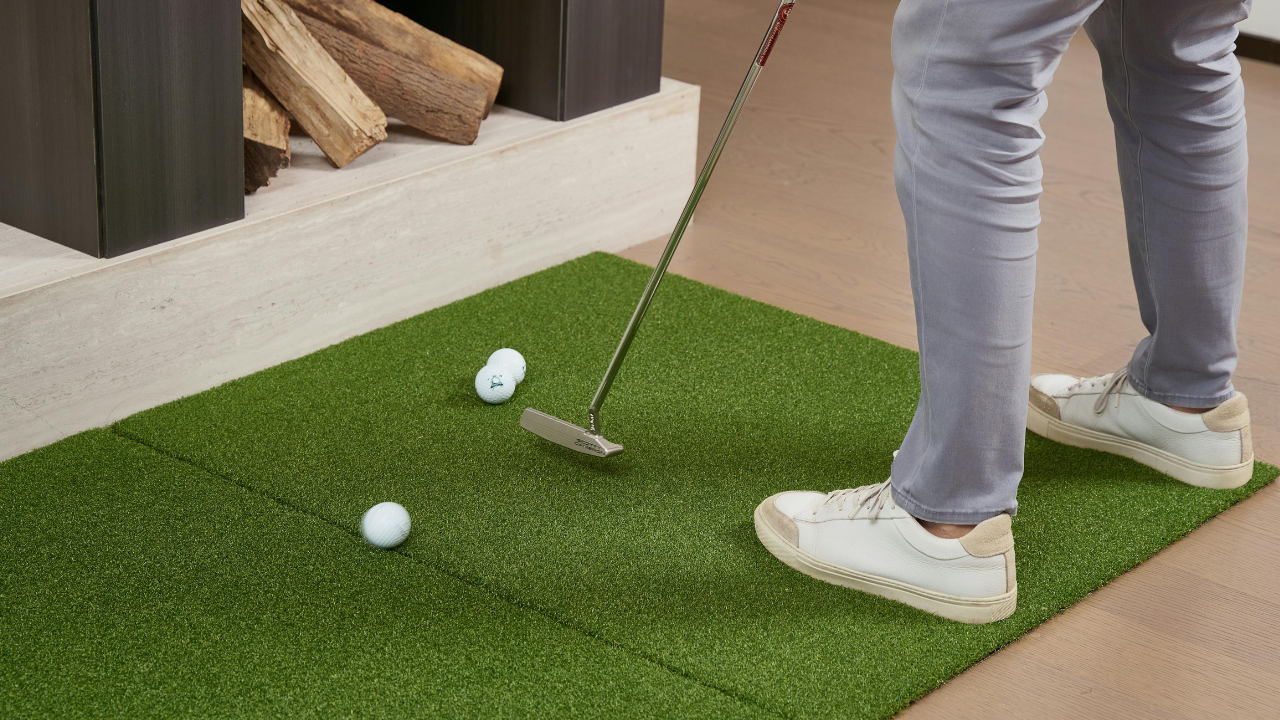
When most people think of a golf simulator, they picture hitting balls into a screen and seeing the virtual ball fly across a course. What they often don’t realize is the sophisticated science behind how launch monitors measure your swing, ball flight, and impact. Understanding this technology can help you choose a simulator that matches your goals — whether you’re a casual golfer looking for entertainment or a serious player tracking every metric of your swing.
Radar vs Photometric Systems
There are two primary ways launch monitors track the ball:
1. Radar-Based Systems
-
How it works: Radars like TrackMan and GCQuad send radio waves or microwaves at the ball, then measure the return signal to calculate speed, launch angle, spin, and trajectory.
-
Pros: Extremely accurate for speed, spin, and shot trajectory; reliable for advanced analytics.
-
Considerations: Requires proper room dimensions, ceiling height, and placement. Accuracy can drop if the ball is outside the ideal detection zone.
2. Photometric / Camera-Based Systems
-
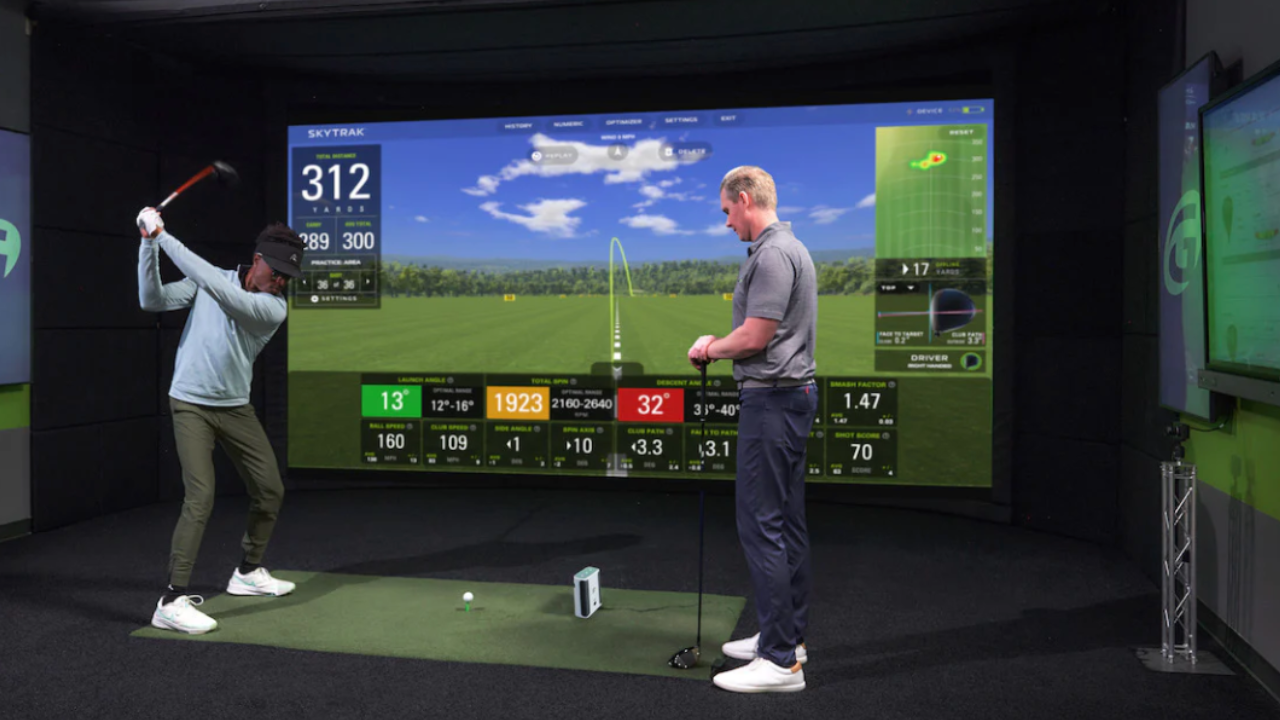
How it works: Systems like SkyTrak and Uneekor use high-speed cameras to capture images of the ball immediately after impact, calculating launch data from the observed motion.
-
Pros: Can work in smaller spaces; provides detailed club and ball data with correct lighting.
-
Considerations: Accuracy is sensitive to lighting, ball color, and placement.
Takeaway: Choosing between radar and photometric systems depends on your goals and space constraints. Advanced golfers often prefer radar, while photometric systems offer strong value in compact setups.
Key Metrics Monitored by Simulators
Most home simulators track some combination of these:
-
Ball speed: How fast the ball leaves the clubface.
-
Clubhead speed: Measures your swing velocity.
-
Launch angle: The angle at which the ball leaves the club.
-
Spin rate: How much the ball spins in flight; critical for accuracy.
-
Shot dispersion: Horizontal deviation from the target line.
Understanding what metrics are critical for your practice helps you decide between entry-level systems like Red Stakes Golf and SkyTrak, or professional setups like Uneekor or TrackMan.
Environmental Factors Affect Accuracy
Even the best launch monitors aren’t perfect. Several environmental elements affect performance:
-
Lighting: Photometric systems need consistent, diffuse light.
-
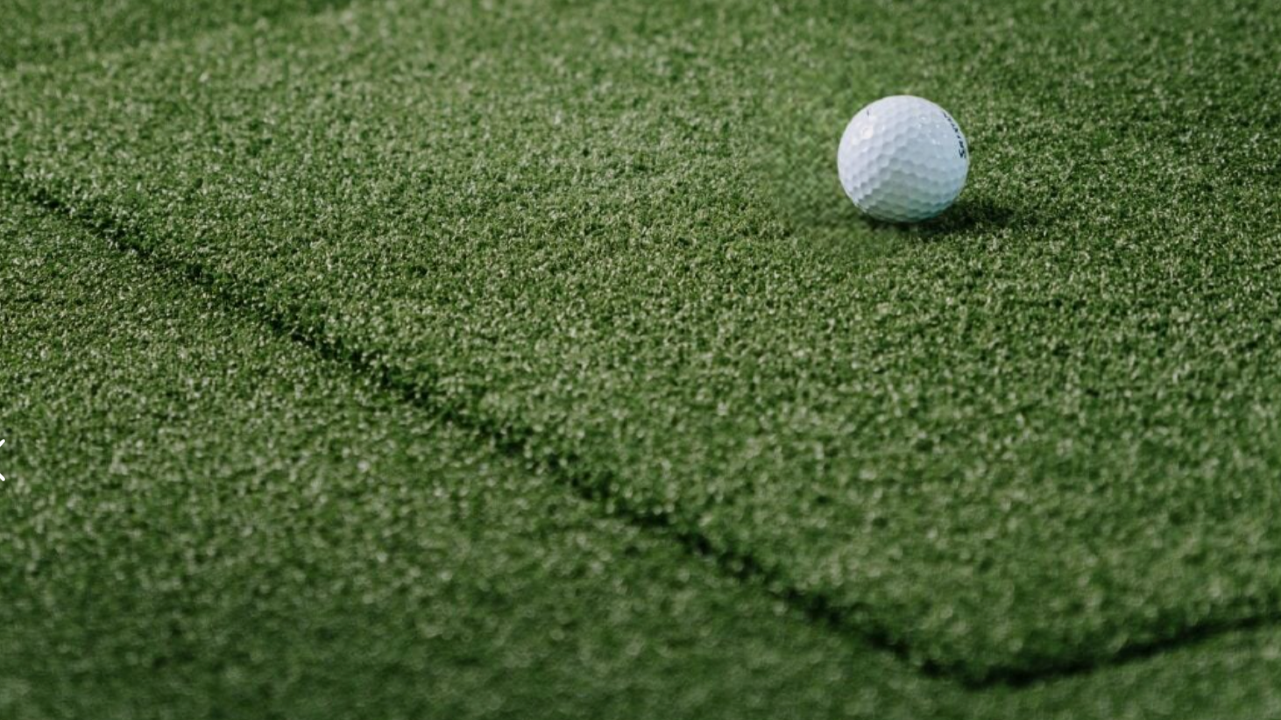
Mat and turf quality: Ball and club interaction with the surface affects readings.
-
Room size: Too small or improperly placed monitors can cause false readings.
Pro tip: Before purchasing, confirm your chosen system works reliably in your available space.
Why Understanding the Science Matters
Knowing how your simulator measures your swing:
-
Helps you choose the right system for your goals.
-
Avoids spending on features you won’t use.
-
Allows you to interpret data correctly, improving practice efficiency.
Even casual golfers benefit by understanding the limitations of their monitor and avoiding frustration with inaccurate results.
Final Thoughts
Home golf simulators are more than a screen and a mat. They are sophisticated measurement systems designed to translate your physical swing into actionable digital feedback. By understanding radar vs photometric systems, key metrics, and environmental considerations, you can select a simulator that delivers the accuracy, realism, and insights you need.
If you want to see carefully curated options for every skill level and budget, visit our [Home Golf Simulator Directory] to explore full packages, partial setups, and detailed comparisons.