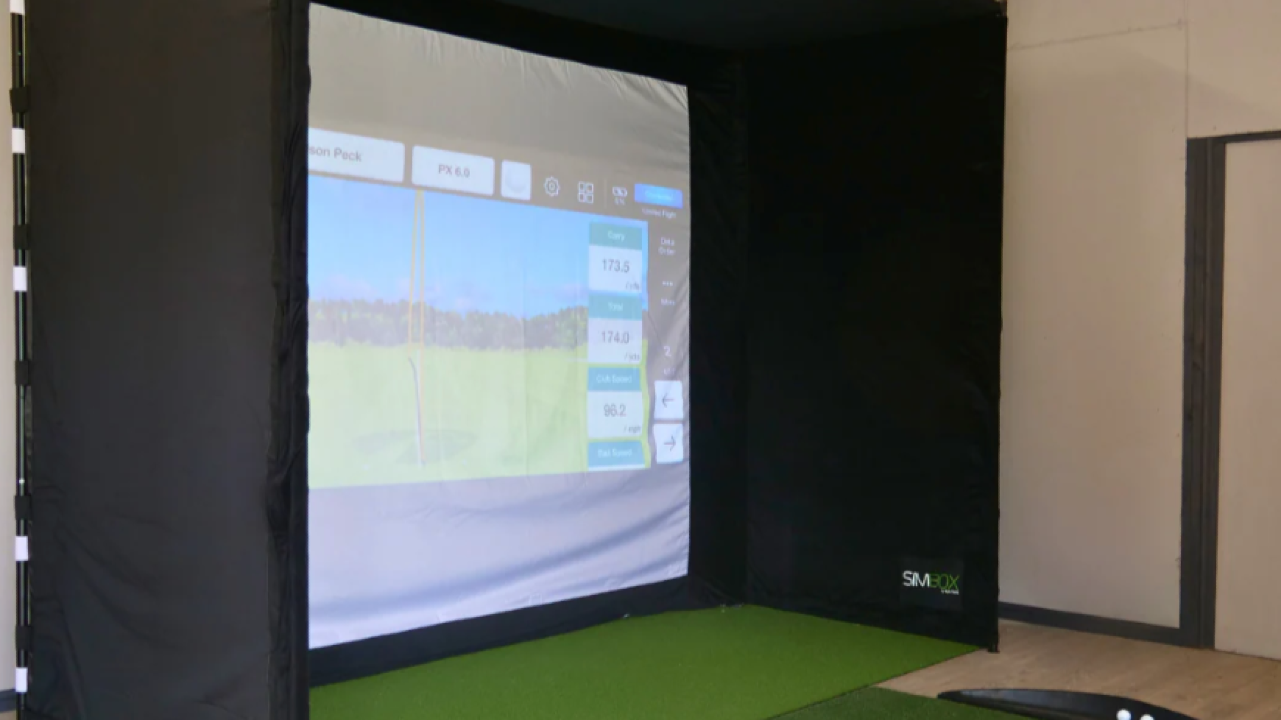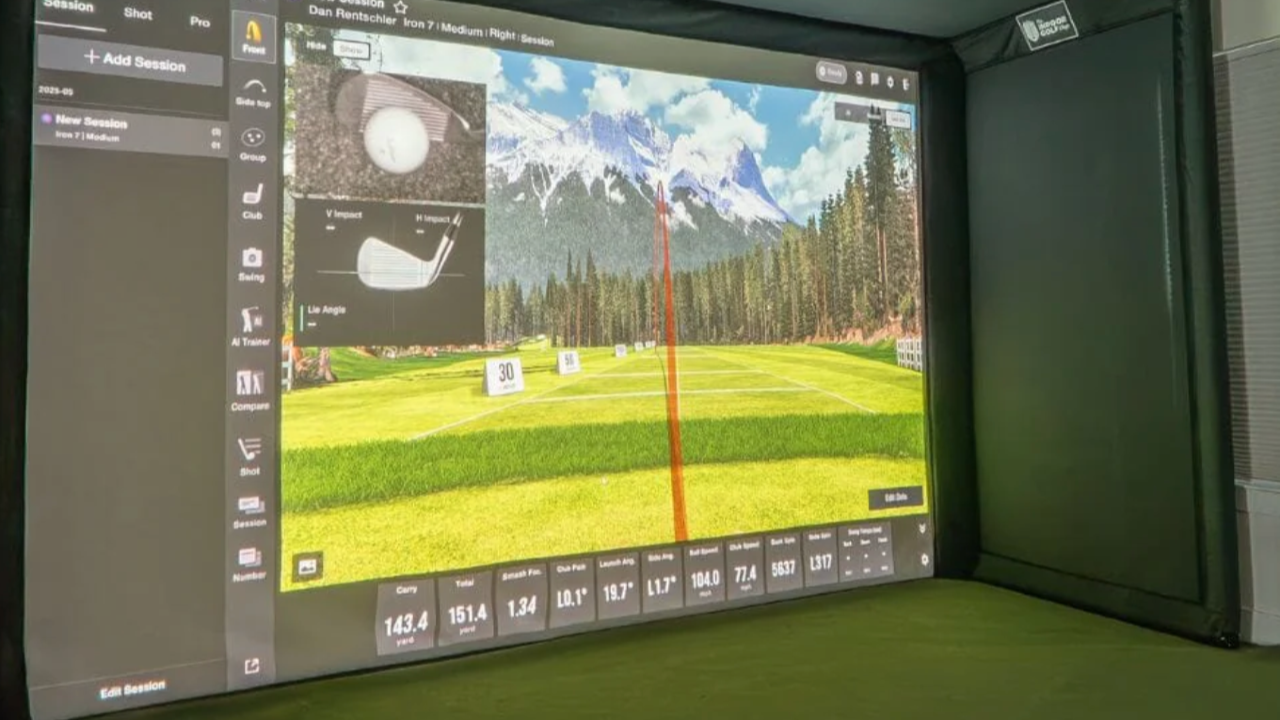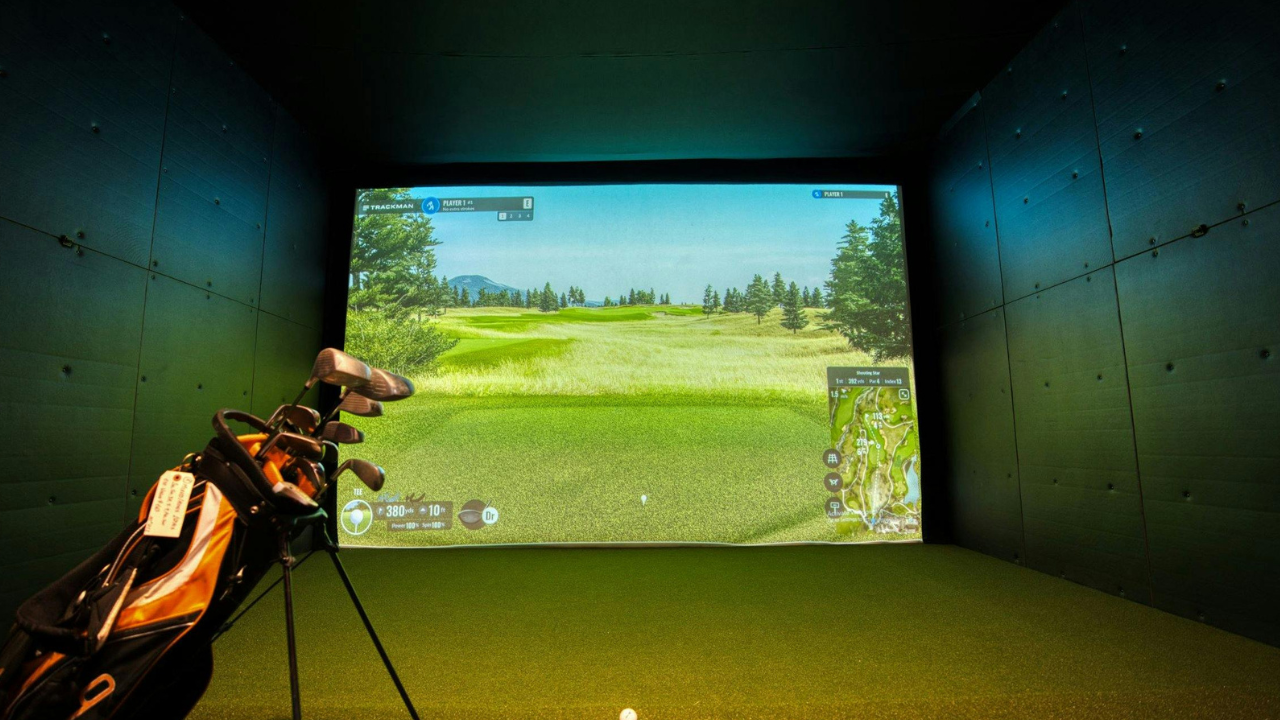
Setting up a home golf simulator can feel overwhelming. You’ve likely seen the flashy setups online, the launch monitors with endless specs, and the “must-have” accessories that promise to make you a pro overnight. But most guides skim the surface. In reality, the difference between a simulator that frustrates you and one that transforms your practice comes down to small but crucial details — things you might not have thought about before.
In this guide, we’ll explore seven key aspects of home golf simulators that can improve your setup, boost practice efficiency, and make your time indoors feel more like a real round of golf. Whether you’re using a SkyTrak, Garmin, Red Stakes Golf, or a high-end setup, these tips apply.
1. Room Dimensions: Beyond Just Swing Space
Most beginners focus on height clearance and hitting distance — for example, needing an 8’ ceiling and 10’ deep room. But there’s more to consider:
-
Side clearance: You need room to miss slightly on errant swings without hitting walls. Even 2–3 feet on each side makes a difference.
-
Back wall reflection: If your back wall is too close, balls may bounce into unintended areas, confusing your launch monitor.
-
Ceiling angle: A ceiling that slopes or isn’t flat can affect ball tracking with radar-based systems like SkyTrak or Uneekor.
Takeaway: Measure carefully, consider swing variance, and think about reflective surfaces — it’s not just about fitting your swing, it’s about ensuring accurate readings.
2. Launch Monitor Placement Matters More Than You Think
Even the most advanced launch monitors (SkyTrak ST+, Uneekor, TrackMan, or Garmin) can produce inaccurate data if placement is off:
-
Height: Most devices need to sit roughly 2–4 inches above the mat, aligned with the center of your ball path.
-
Distance from ball: Too far or too close can affect spin readings, carry distance, and shot shape accuracy.
-
Angle and leveling: Radar and photometric devices rely on consistent angles. Even a small tilt can produce noticeable errors in trajectory and distance.
Tip: Mark your preferred placement with tape on the mat until it’s consistent. Your results become far more reliable when placement is repeatable.
3. Lighting and Environment Influence Tracking
Golf simulators don’t just “measure balls” — they rely on light reflections, high-speed cameras, or radar. Subtle changes can throw off readings:
-
Overhead lights: Avoid shadows directly over the hitting area; they interfere with photometric systems like SkyTrak and Uneekor.
-
Windows and glare: Sunlight can confuse cameras, especially in Red Stakes Golf setups. Blackout curtains or neutral lighting help.
-
Background contrast: For radar-based systems, a plain or matte background behind the ball reduces measurement errors.
Actionable tip: Test your simulator at different times of day to see how environmental light affects results. Adjust lighting accordingly.
4. Mats and Hitting Surfaces Are Not Equal
It’s tempting to buy any mat and call it a day, but the hitting surface changes everything:
-
Rebound and firmness: Softer mats absorb too much energy, giving misleading clubhead speed readings. Too hard, and you risk damaging clubs.
-
Realistic turf: High-quality mats simulate fairway conditions, which improves practice transferability.
-
Durability: Cheaper mats wear unevenly over time, skewing strike consistency.
Recommendation: If you’re serious about skill improvement, invest in a mat that balances realistic feel and durability. Consider your club types too — driver vs. wedges interact differently with mats.
5. Accessories Are About More Than Convenience
Most guides list nets, screens, and projectors as optional. The truth? The right accessories influence your accuracy, safety, and engagement:
-
Impact screens: Improve realism for simulation, protect walls, and prevent ball ricochet.
-
Projectors: High-resolution projectors make virtual rounds feel immersive, which keeps your focus during practice.
-
Enclosures: Frame nets or studio enclosures ensure balls don’t escape your practice space.
Pro tip: Even if you start small, plan your accessory roadmap. A modular setup lets you add screens, lighting, and mats without rebuilding your studio.
6. Software Compatibility Can Make or Break Your Experience
Golf simulator software isn’t just about graphics — it determines what you can practice, track, and analyze:
-
Course libraries: SkyTrak, E6 Connect, and Uneekor offer hundreds of virtual courses; Garmin and Red Stakes have more limited libraries.
-
Analytics: Look for software that records stats like clubhead speed, launch angle, and shot dispersion for long-term improvement.
-
Third-party integration: Some monitors allow integration with apps like WGT, The Golf Club, or Home Tee Hero for added fun and realistic rounds.
Actionable step: Map out which software aligns with your goals: skill tracking, entertainment, or both. Then ensure your hardware supports it.
7. Understanding Complete vs Partial Packages
Here’s something many buyers miss: not all simulators are sold as full packages.
-
Complete packages: Include launch monitor, impact screen, projector, mats, and enclosure — ready to set up.
-
Partial packages: Include only the launch monitor (e.g., SkyTrak “No Launch Monitor Included” versions or Garmin), meaning you must source screens, mats, and software separately.
Why it matters: Knowing this upfront avoids expensive surprises and helps you compare systems confidently. Some buyers prefer partial packages for flexibility or budget, others want “plug-and-play” setups.
Conclusion
Building a home golf simulator is more than just buying a launch monitor and swinging in your garage. Paying attention to room dimensions, monitor placement, lighting, hitting surfaces, accessories, software, and package type can transform your practice from inconsistent to highly effective.
Even small adjustments — like moving a monitor a few inches or changing mat firmness — have an outsized effect on accuracy and enjoyment.
If you’re ready to explore the best options for your space, skill level, and budget, check out our [Home Golf Simulator Directory]. You’ll find curated listings, full studio setups, and detailed comparisons that help you make confident buying decisions without endless research.