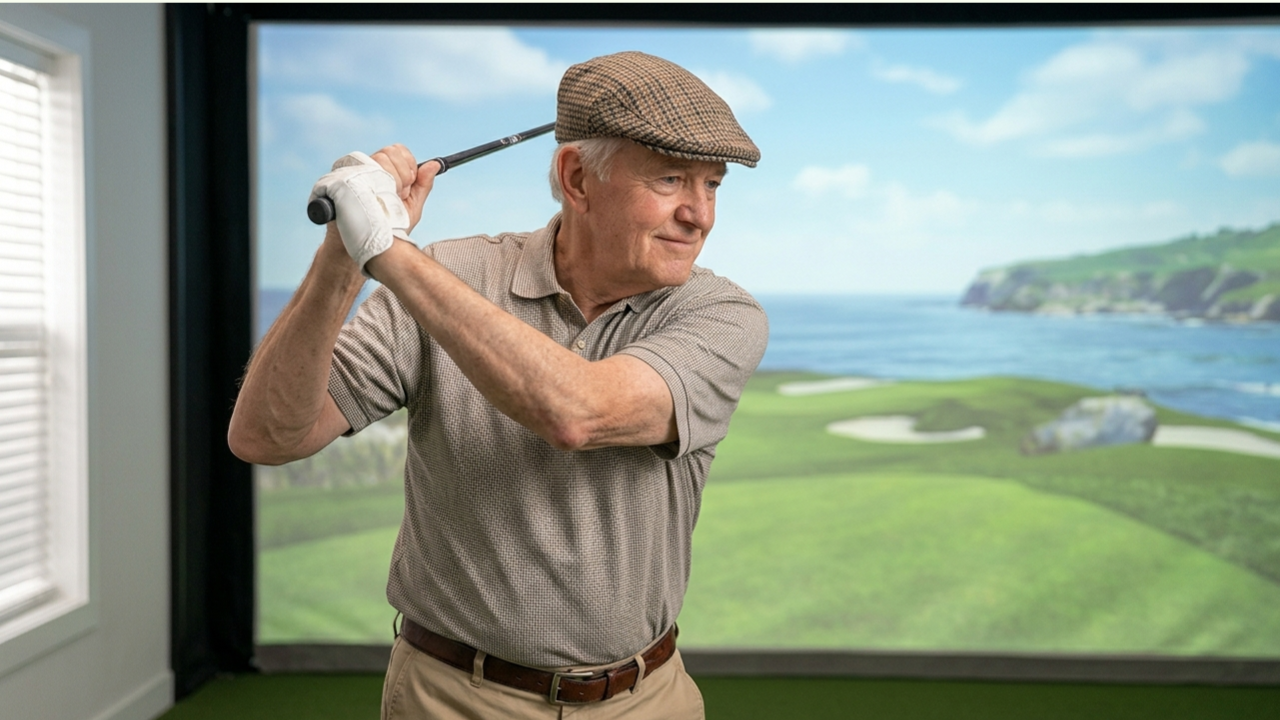
Golf simulator accuracy is one of the most important factors when building a home setup. Whether the goal is practice improvement, entertainment, or realistic course play, accuracy determines how trustworthy every shot feels inside the simulator environment.
Many new simulator buyers assume accuracy depends only on the launch monitor they choose. In reality, accuracy is influenced by multiple factors working together — including room layout, calibration, lighting, hitting surface quality, projector alignment, software configuration, and swing environment.
Understanding what affects simulator accuracy helps prevent frustration, unnecessary upgrades, and poor purchasing decisions.
This guide explains the most important factors that influence simulator accuracy and how to optimize each one for the most realistic results possible at home.
Why Golf Simulator Accuracy Matters More Than Most People Expect
Accuracy affects nearly every aspect of simulator performance:
- shot shape realism
- carry distance reliability
- ball speed readings
- spin measurements
- club path feedback
- launch direction tracking
- practice confidence
- handicap improvement potential
When accuracy is optimized, simulator practice becomes transferable to real-world golf.
When accuracy is compromised, practice habits can actually reinforce incorrect swing adjustments.
The Most Important Factor: Launch Monitor Technology
The launch monitor is the foundation of simulator accuracy.
Different tracking technologies measure ball flight differently, and each type performs best in specific environments.
Common tracking technologies include:
Camera-Based Tracking Systems
Camera-based systems track the golf ball using high-speed imaging technology.
They typically measure:
- ball speed
- launch angle
- spin axis
- spin rate
- club path (on supported systems)
Advantages:
- extremely accurate indoors
- strong short-distance tracking reliability
- excellent spin measurement
- ideal for garage simulator setups
- reliable with limited ball flight space
Best suited for:
- enclosed simulator rooms
- garage installations
- spare room builds
- basement simulators
Radar-Based Tracking Systems
Radar systems track the golf ball across its flight path using Doppler radar.
Advantages:
- excellent outdoor tracking
- strong club data capability
- realistic long-distance modeling
Limitations indoors:
- require more depth
- need proper alignment
- sensitive to space restrictions
Best suited for:
- deeper simulator rooms
- hybrid indoor/outdoor setups
- training-focused environments
Infrared Sensor Systems
Infrared systems detect ball movement across sensor grids.
Advantages:
- budget-friendly
- simple installation
- reliable for entry-level practice
Limitations:
- reduced spin measurement accuracy
- fewer club data insights
- less realistic ball flight modeling
Best suited for:
- beginner simulator builds
- entertainment-focused setups
- family simulator rooms
Room Dimensions Affect Accuracy More Than Expected
Simulator tracking quality depends heavily on space.
Even premium launch monitors lose accuracy when installed in restricted environments.
Important space factors include:
- ceiling height
- ball flight distance
- side-wall clearance
- enclosure positioning
- swing comfort space
Recommended minimum depth:
- 12 feet (basic setups)
- 15 feet (ideal accuracy range)
Recommended ceiling height:
- 9 feet minimum
- 10 feet preferred
Restricted swing space changes swing mechanics slightly, which affects simulator shot realism.
Ball Flight Distance Improves Tracking Precision
Longer ball flight improves simulator accuracy.
More tracking time allows the launch monitor to capture:
- launch angle stability
- spin behavior
- directional consistency
- carry modeling accuracy
Short-distance flight environments may still perform well, but correct placement becomes more important.
Ways to improve tracking reliability:
- move impact screen slightly farther forward
- position hitting zone properly
- adjust launch monitor alignment
- avoid cramped swing environments
Lighting Conditions Can Change Accuracy Results
Lighting affects camera-based tracking systems significantly.
Poor lighting causes:
- missed reads
- incorrect spin numbers
- inconsistent ball detection
- delayed shot registration
Best lighting practices include:
- overhead indirect lighting
- avoiding shadows near impact zone
- eliminating direct spotlight glare
- using matte impact screen materials
Garage simulator setups benefit especially from controlled lighting environments.
Golf Ball Selection Influences Tracking Results
Many simulator users overlook ball selection entirely.
However, golf balls affect:
- spin measurement accuracy
- launch tracking reliability
- read consistency
Best ball practices include:
- use clean balls
- avoid worn surfaces
- avoid cracked covers
- choose consistent ball types during sessions
Some camera-based systems perform best with marked balls or reflective patterns depending on configuration.
Hitting Mat Quality Affects Shot Data Accuracy
Hitting surface quality directly impacts simulator realism.
Low-quality mats can cause:
- incorrect launch angle readings
- inconsistent strike feedback
- unrealistic turf interaction
- reduced swing confidence
Higher-quality hitting mats simulate:
- fairway compression
- realistic club interaction
- stable strike feedback
Signs a hitting mat may reduce accuracy:
- excessive bounce
- slipping underfoot
- shallow strike response
- inconsistent feel between shots
A stable hitting surface improves confidence and measurement consistency.
Launch Monitor Placement Is Critical
Incorrect placement is one of the most common causes of inaccurate readings.
Placement errors affect:
- shot direction
- spin axis readings
- carry estimates
- club path tracking
Placement variables include:
- distance from ball
- height alignment
- horizontal positioning
- target line direction
Most manufacturers provide placement guides that should always be followed precisely.
Small adjustments can dramatically improve simulator performance.
Simulator Software Also Influences Accuracy Perception
Software does not directly measure shots, but it determines how data becomes visible.
Good simulator software improves:
- shot feedback clarity
- trajectory modeling realism
- course physics behavior
- environmental simulation
Software settings that influence realism include:
- altitude adjustments
- wind configuration
- turf firmness
- green speed
- roll-out behavior
Incorrect software configuration can make accurate launch data appear unrealistic.
Impact Screen Quality Changes Perceived Accuracy
Impact screen material affects how shots appear visually.
Low-quality screens create:
- distorted projection images
- poor ball visibility
- reduced immersion
Higher-quality impact screens provide:
- clearer projection detail
- smoother ball-flight visuals
- better depth perception
- improved alignment confidence
Clear visuals reinforce trust in simulator results.
Projector Alignment Affects Directional Confidence
Misaligned projection creates directional illusions.
Symptoms include:
- shots appearing offline
- skewed target lines
- incorrect aim perception
- reduced swing trust
Correct projector alignment improves:
- target awareness
- swing confidence
- visual realism
- shot interpretation accuracy
Proper projector positioning supports both practice quality and gameplay realism.
Swing Comfort Influences Simulator Accuracy
Simulator accuracy depends partly on natural swing behavior.
Restricted environments create:
- shortened backswings
- altered tempo
- reduced follow-through
- cautious impact strikes
These adjustments change ball data readings.
Creating comfortable swing space improves:
- strike consistency
- launch reliability
- spin stability
- practice confidence
Even highly accurate tracking systems depend on natural swing mechanics.
Calibration Improves Long-Term Accuracy Consistency
Many simulator owners skip calibration entirely.
Calibration ensures:
- target alignment accuracy
- directional consistency
- club tracking reliability
- launch monitor positioning precision
Calibration steps often include:
- confirming target line
- checking ball placement zone
- verifying unit alignment
- adjusting projection alignment
Periodic calibration maintains consistent performance.
Environmental Conditions Affect Tracking Reliability
Indoor simulator environments still experience environmental variation.
Factors include:
- temperature changes
- humidity shifts
- airflow movement
- lighting adjustments
Garage simulators experience these changes most frequently.
Maintaining a stable environment improves:
- tracking reliability
- ball consistency
- sensor responsiveness
Ceiling Height Influences Swing Confidence
Even when measurements remain accurate, perceived realism changes with ceiling clearance.
Low ceilings cause:
- shortened swing arcs
- altered tempo
- reduced confidence
Higher ceilings improve:
- natural swing motion
- club speed consistency
- shot realism perception
Comfort contributes directly to accuracy outcomes.
Simulator Enclosures Help Maintain Accuracy Consistency
Enclosures improve shot tracking reliability by controlling environment variables.
Benefits include:
- better lighting consistency
- improved ball containment
- stable projection surfaces
- reduced distractions
- consistent hitting position alignment
Enclosures create repeatable practice environments.
Consistency improves accuracy over time.
Network and Hardware Performance Also Play a Role
Computer performance affects simulator responsiveness.
Slow systems create:
- delayed shot display
- inconsistent rendering
- reduced simulation realism
Recommended improvements include:
- dedicated simulator PC setups
- updated graphics drivers
- stable internet connections for course libraries
Reliable hardware improves confidence in simulator feedback.
Common Accuracy Mistakes New Simulator Owners Make
Many accuracy issues come from setup decisions rather than equipment limitations.
Common mistakes include:
- incorrect launch monitor placement
- poor lighting conditions
- low ceiling installations
- unstable hitting mats
- screen positioned too close
- restricted swing environments
- skipping calibration steps
Correcting these factors dramatically improves simulator performance.
How to Improve Accuracy Without Buying New Equipment
Accuracy improvements often require adjustments instead of upgrades.
Helpful improvements include:
- adjusting hitting zone placement
- improving lighting layout
- repositioning launch monitor
- upgrading hitting mat stability
- confirming projector alignment
- recalibrating target line
Small changes produce large performance gains.
Which Accuracy Factors Matter Most for Home Simulator Owners?
Most important:
- launch monitor quality
- room dimensions
- lighting conditions
- hitting surface stability
- placement alignment
Secondary influences:
- projector positioning
- enclosure quality
- calibration frequency
- ball selection
- environmental stability
Understanding priorities helps buyers invest more effectively.
Final Thoughts: Accuracy Comes From the Entire Setup, Not Just One Component
Golf simulator accuracy depends on a complete system working together.
Even premium launch monitors cannot deliver reliable performance when installed incorrectly.
The most realistic simulator setups combine:
- correct room dimensions
- proper lighting
- stable hitting surfaces
- accurate alignment
- calibrated positioning
- quality projection environments
When these elements work together, simulator practice becomes realistic, reliable, and transferable to real-world golf performance.
Optimizing accuracy ensures every shot inside a home simulator provides meaningful feedback — making the simulator both a powerful training tool and an enjoyable long-term investment.