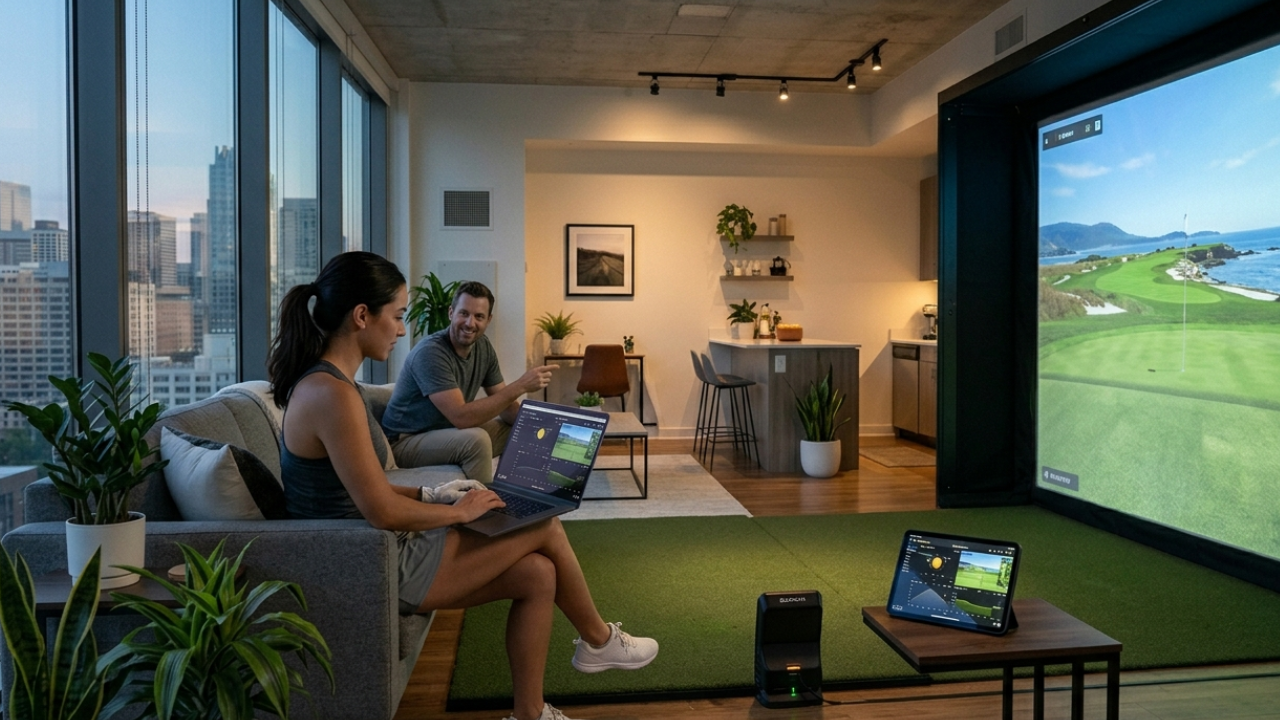
One of the most common questions first-time simulator buyers ask is whether they need a powerful computer to run their setup.
It’s a fair concern.
Some golf simulator packages work with tablets. Others require gaming-level PCs. And many buyers worry they might purchase the wrong computer before they even take their first swing indoors.
The good news is that most home golf simulator setups today are far easier to run than people expect. Once the role of the computer is understood—and how software requirements differ between systems—the decision becomes simple.
This guide explains exactly what type of laptop or computer you need based on your simulator goals, space, and budget so you can move forward confidently.
Why Golf Simulators Need a Computer at All
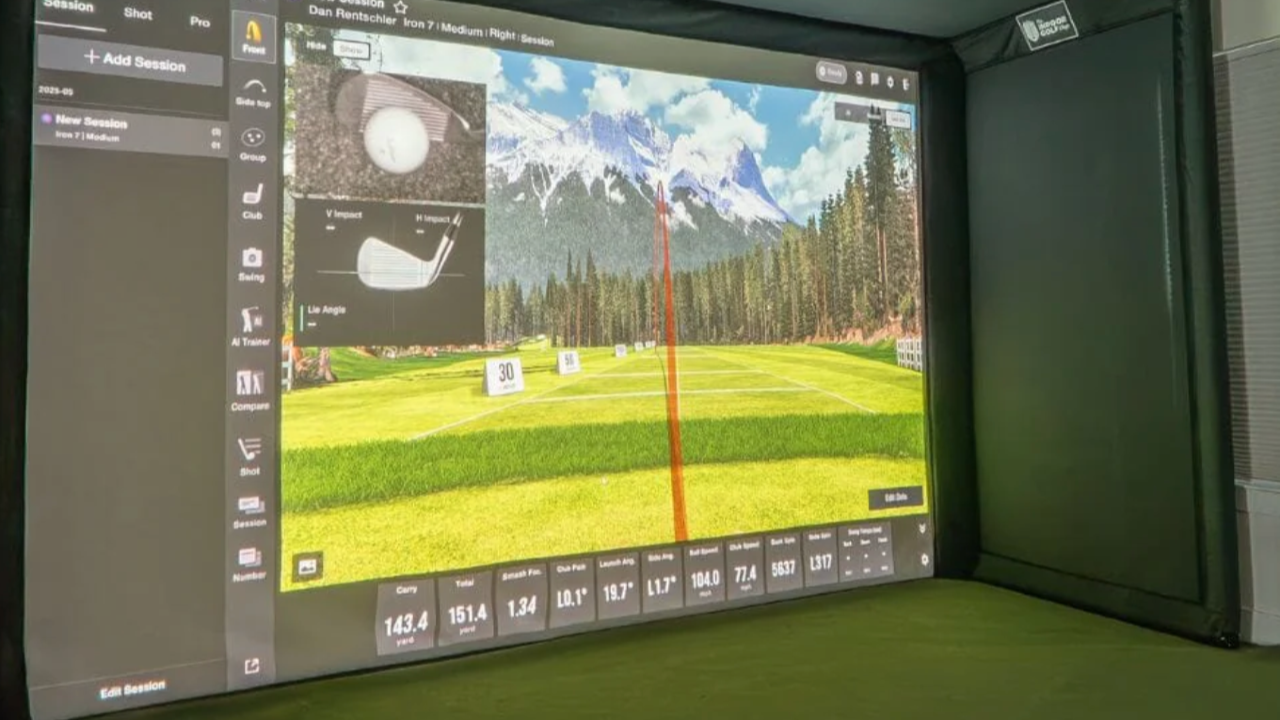
A golf simulator isn’t just tracking your swing. It’s translating real-world ball movement into a digital environment instantly.
Your computer handles:
- rendering course graphics
- calculating ball flight
- displaying shot data
- running practice modes
- loading simulator environments
- managing multiplayer sessions
- connecting launch monitor hardware
In other words, the computer is the engine behind the experience you see on screen.
Some launch monitors include built-in processing that reduces computer requirements. Others rely heavily on your laptop or PC for performance.
Understanding which category your setup falls into makes choosing hardware much easier.
The First Question to Answer Before Buying a Computer
Before choosing a laptop or desktop, the most important step is identifying which simulator software you plan to use.
Different simulator platforms have very different hardware requirements.
For example:
- basic practice apps run smoothly on standard laptops
- immersive 3D course environments require gaming-level graphics power
- professional-grade simulator software performs best on dedicated PCs
This is why complete simulator packages are often the safest choice for first-time buyers. They pair hardware and software that already work together.
Instead of guessing what computer you need, compatibility is built into the system.
The Three Computer Categories Most Simulator Owners Choose
Most home simulator users fall into one of three computer tiers.
Understanding which one fits your setup prevents overspending—or under-buying.
Tier 1: Tablet or Entry-Level Laptop Users
Some simulator systems are designed specifically to work with minimal hardware.
These setups typically support:
- iPads
- standard laptops
- lightweight Windows devices
They are ideal for:
- portable simulator setups
- garage practice environments
- beginner improvement routines
- junior golfer practice
- casual evening sessions
Many entry-level launch monitors process most swing data internally, which reduces computing requirements significantly.
These setups are excellent for golfers who want reliable distance tracking without building a full simulator room.
Tier 2: Mid-Range Laptop or Desktop Users (Most Popular Choice)
This is the category where most home simulator buyers land.
A mid-range Windows laptop or desktop can comfortably run:
- structured practice software
- driving-range environments
- simulated course play
- multiplayer sessions
- performance tracking dashboards
Typical system characteristics include:
- modern processor (Intel i5 / Ryzen 5 or higher)
- 16 GB RAM
- dedicated graphics card (recommended)
- SSD storage
This tier provides the best balance between cost and performance for most home simulator installations.
It supports realistic visuals without requiring a full gaming workstation.
Tier 3: Gaming PC Users (Premium Simulator Experience)
Higher-end simulator environments require more graphics power.
This includes software platforms like:
- GSPro
- E6 CONNECT
- The Golf Club 2019
These systems simulate detailed golf courses with advanced terrain rendering, lighting effects, and realistic ball-flight visuals.
A gaming-level computer is recommended if you want:
- ultra-realistic course environments
- projector-based simulator rooms
- large impact screen displays
- multiplayer league play
- competitive indoor practice sessions
Typical specs include:
- Intel i7 / Ryzen 7 processor
- dedicated graphics card (RTX-class recommended)
- 16–32 GB RAM
- fast SSD storage
This level of hardware delivers the closest experience to commercial simulator studios.
Laptop vs Desktop: Which Is Better for a Golf Simulator?
Both laptops and desktops work well.
The best choice depends on how permanent your simulator installation will be.
When a Laptop Makes More Sense
Laptops are ideal if you want flexibility.
They work especially well for:
- portable simulator setups
- garage installations
- shared practice spaces
- temporary hitting areas
- multipurpose family rooms
Benefits include:
- easy storage after sessions
- portability between locations
- lower setup complexity
- simple connection to launch monitors
Many golfers start with a laptop and upgrade later only if they expand their simulator environment.
When a Desktop PC Makes More Sense
Desktop computers are better for permanent simulator rooms.
They offer:
- stronger graphics performance
- better cooling during long sessions
- easier upgrades
- more connection options
- improved projector compatibility
If your simulator includes:
- impact screen projection
- dedicated hitting bay
- immersive course simulation
a desktop system is often the most reliable long-term choice.
Mac vs Windows: What Simulator Buyers Should Know
This is one of the most common questions buyers ask.
Most golf simulator software is designed primarily for Windows computers.
That does not mean Macs cannot be used—but compatibility varies depending on the launch monitor and simulator platform.
Windows systems typically support:
- more simulator software options
- broader launch monitor compatibility
- easier graphics upgrades
- smoother projector integration
Mac systems work well with:
- certain portable launch monitors
- entry-level simulator apps
- tablet-based practice environments
Buyers planning a full simulator room usually choose Windows for this reason.
It simply provides more flexibility as the setup grows.
Minimum Computer Specs for Most Home Simulator Setups
While exact requirements depend on your launch monitor and software platform, most mid-range simulator installations perform well with:
Processor:
- Intel i5 or Ryzen 5 (or newer)
Memory:
- 16 GB RAM recommended
Graphics:
- dedicated GPU preferred
- integrated graphics acceptable for entry-level setups
Storage:
- SSD strongly recommended
Operating system:
- Windows 10 or newer
These specs support the majority of modern simulator environments comfortably.
Recommended Computer Specs for Projector-Based Simulator Rooms
Projector setups create the most immersive experience.
They also require stronger graphics performance.
Recommended specs include:
Processor:
- Intel i7 or Ryzen 7
Graphics card:
- NVIDIA RTX-series preferred
Memory:
- 16–32 GB RAM
Storage:
- high-speed SSD
Ports:
- HDMI output
- USB launch monitor connectivity
This level of hardware supports realistic course environments smoothly on large impact screens.
Do You Need a Gaming PC for a Golf Simulator?
Not always.
Many golfers assume gaming hardware is required before they even start researching simulators.
In reality:
entry-level setups do not require gaming PCs
mid-range setups benefit from dedicated graphics
premium projector environments perform best with gaming hardware
The key factor is the software you plan to run—not the simulator itself.
This is another reason complete simulator packages simplify the buying process. They remove the uncertainty around hardware compatibility.
Can You Use a Tablet Instead of a Laptop?
Yes—some simulator systems support tablets very effectively.
Tablet-compatible setups are especially useful for:
- garage practice
- portable hitting nets
- backyard simulator use
- junior golfer training environments
- smaller indoor spaces
Benefits include:
- simple setup
- lower cost
- quick startup time
- minimal cables
However, tablets typically cannot support advanced 3D course environments or projector-based simulator rooms.
They are best suited for practice-focused installations.
Do Golf Simulator Computers Need Internet Access?
Internet access is helpful—but not always required.
Some simulator functions work offline.
Offline features often include:
- driving-range sessions
- shot tracking
- swing data storage
Online connectivity enables:
- course downloads
- multiplayer modes
- software updates
- performance tracking dashboards
- community play environments
Most simulator owners keep their system connected to the internet for this reason.
Where Should the Computer Be Placed in a Simulator Room?
Computer placement affects both safety and convenience.
Most owners position their system:
beside the hitting area
behind the golfer
on a wall-mounted shelf
inside a nearby cabinet
Important considerations include:
- protecting hardware from ball impact
- allowing cable access
- maintaining airflow
- keeping controls within reach
Simple placement decisions improve both usability and equipment lifespan.
Can One Computer Support Multiple Simulator Users?
Yes.
One computer can support:
- multiple player profiles
- family practice sessions
- alternating right- and left-handed golfers
- multiplayer simulator rounds
Most simulator software allows easy switching between users without restarting sessions.
This makes shared household setups especially practical.
How Long Will a Simulator Computer Last Before Needing an Upgrade?
Most mid-range simulator computers remain effective for several years.
Typical upgrade timelines look like:
entry-level systems: 3–4 years
mid-range systems: 4–6 years
gaming-level PCs: 5+ years
Because simulator software evolves gradually, hardware rarely becomes outdated quickly.
Choosing slightly stronger specs at the beginning usually extends the system lifespan significantly.
The Simplest Way to Avoid Buying the Wrong Computer
The easiest way to choose the correct system is to match your computer to your simulator package—not the other way around.
A practical approach looks like this:
choose your launch monitor
confirm compatible software
review recommended hardware specs
select a laptop or desktop that meets those requirements
Complete simulator packages simplify this process dramatically because compatibility decisions are already made for you.
Instead of researching multiple technical specifications, you can focus on building a setup that fits your space and practice goals.
Final Thought: Most Simulator Buyers Need Less Computer Power Than They Expect
Many golfers delay installing a simulator because they assume they need a high-end gaming computer before they begin.
In reality, most home setups run smoothly on mid-range laptops or desktops.
Once the simulator software is chosen—and especially when using a complete package—the computer decision becomes straightforward.
Choosing the right system early ensures your simulator works smoothly from the first session and continues supporting your improvement for years to come.