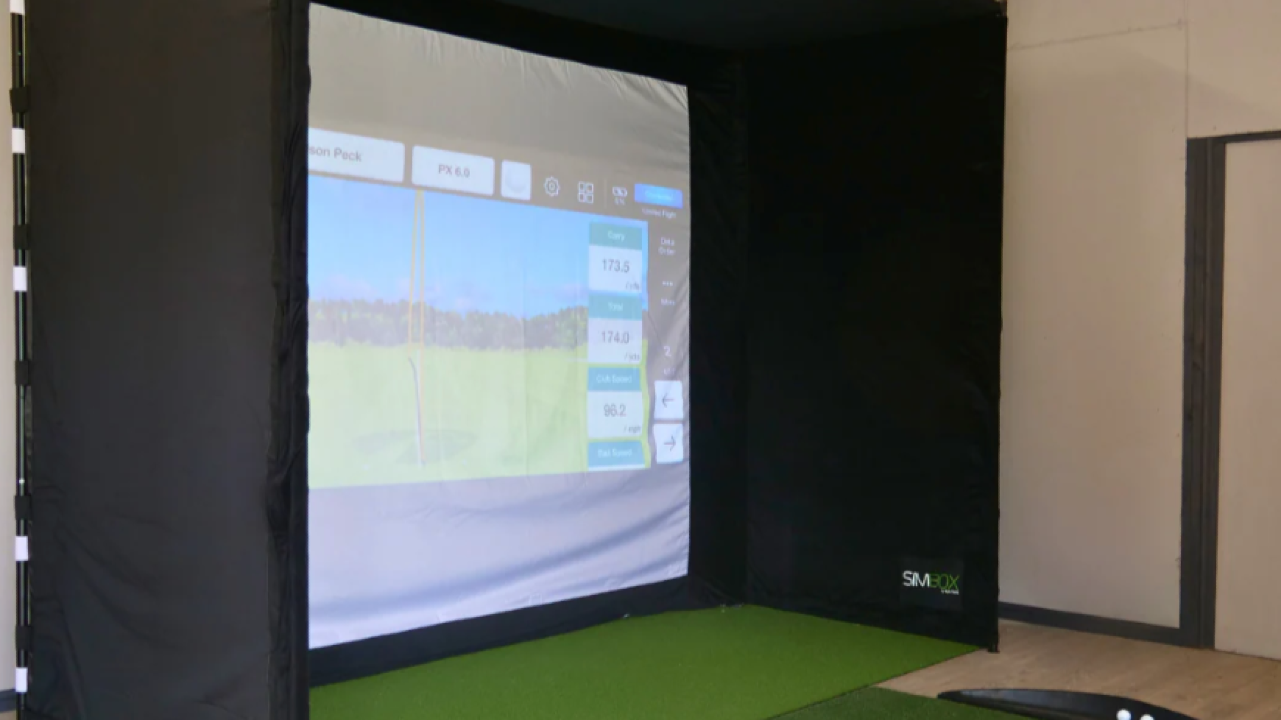
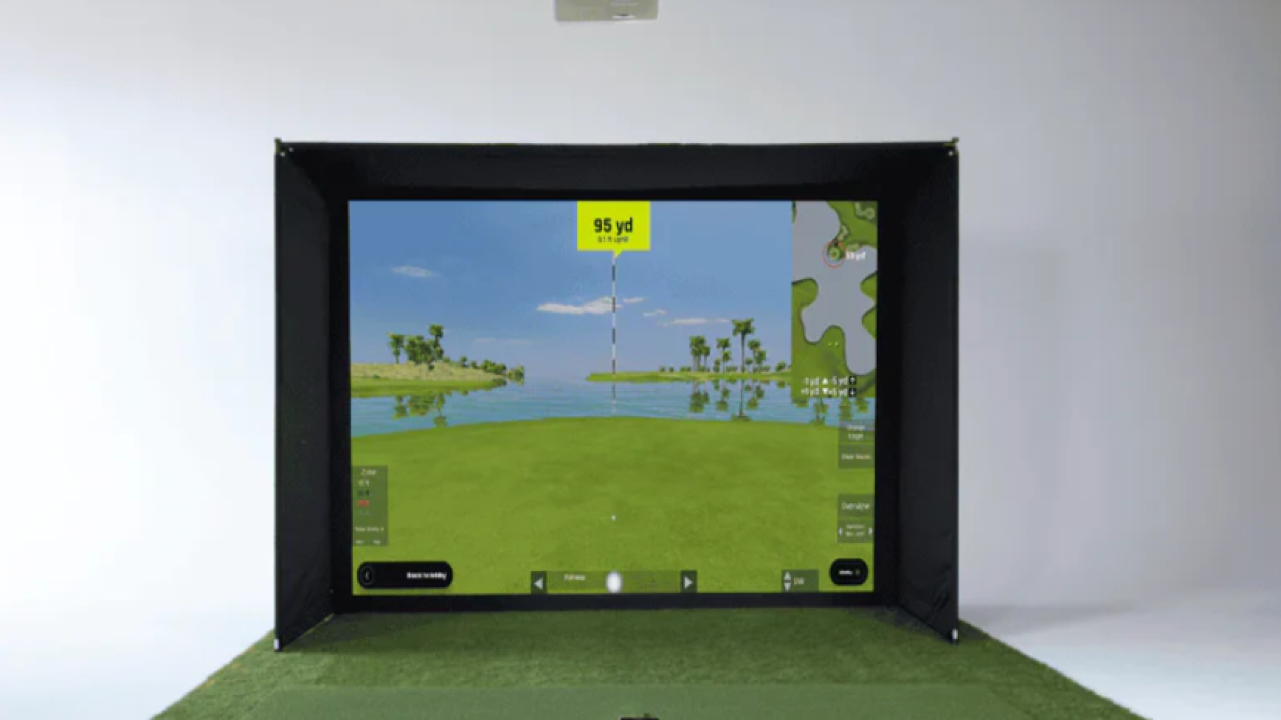
Typical Price Range (USD):
$2,000 – $3,000, depending on the bundle configuration, included software, and accessories.
Best For: Space-conscious golfers who want real ball data, outdoor-to-indoor flexibility, and strong value without committing to a permanent build.
What This Bundle Actually Is (and Isn’t)
The FlightScope Mevo Gen 2 sits in a very specific lane in the simulator world.
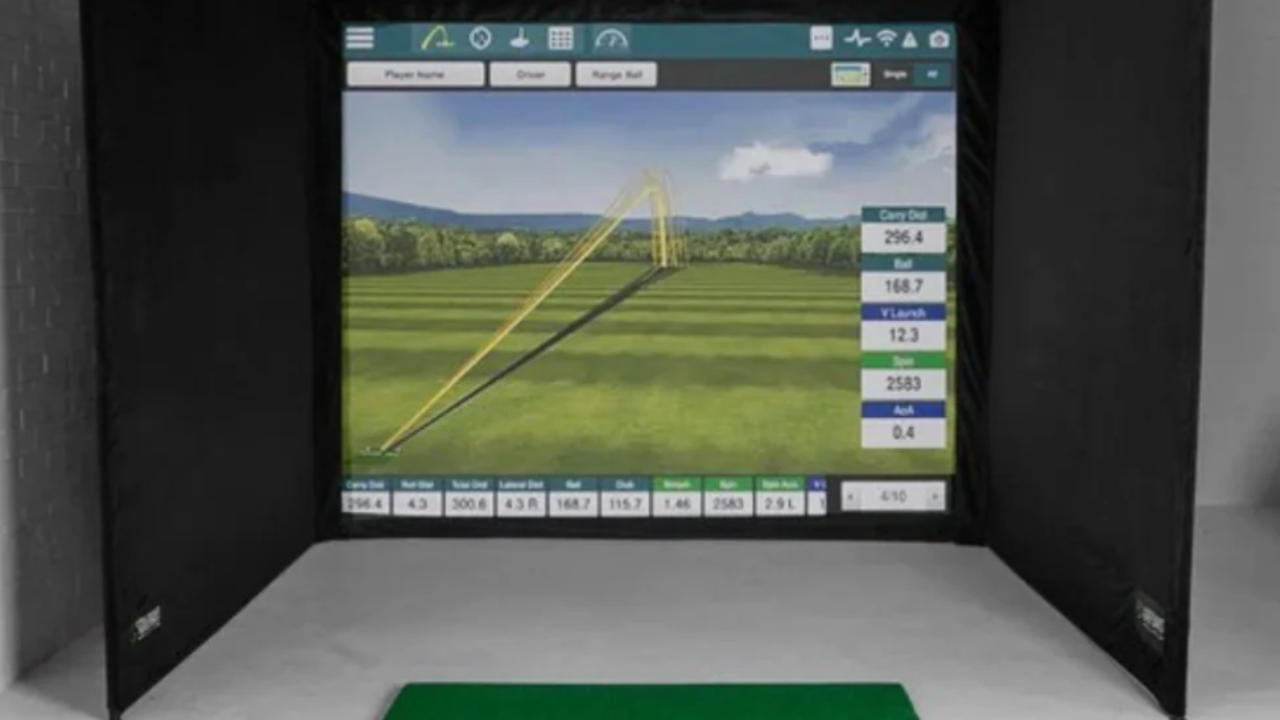
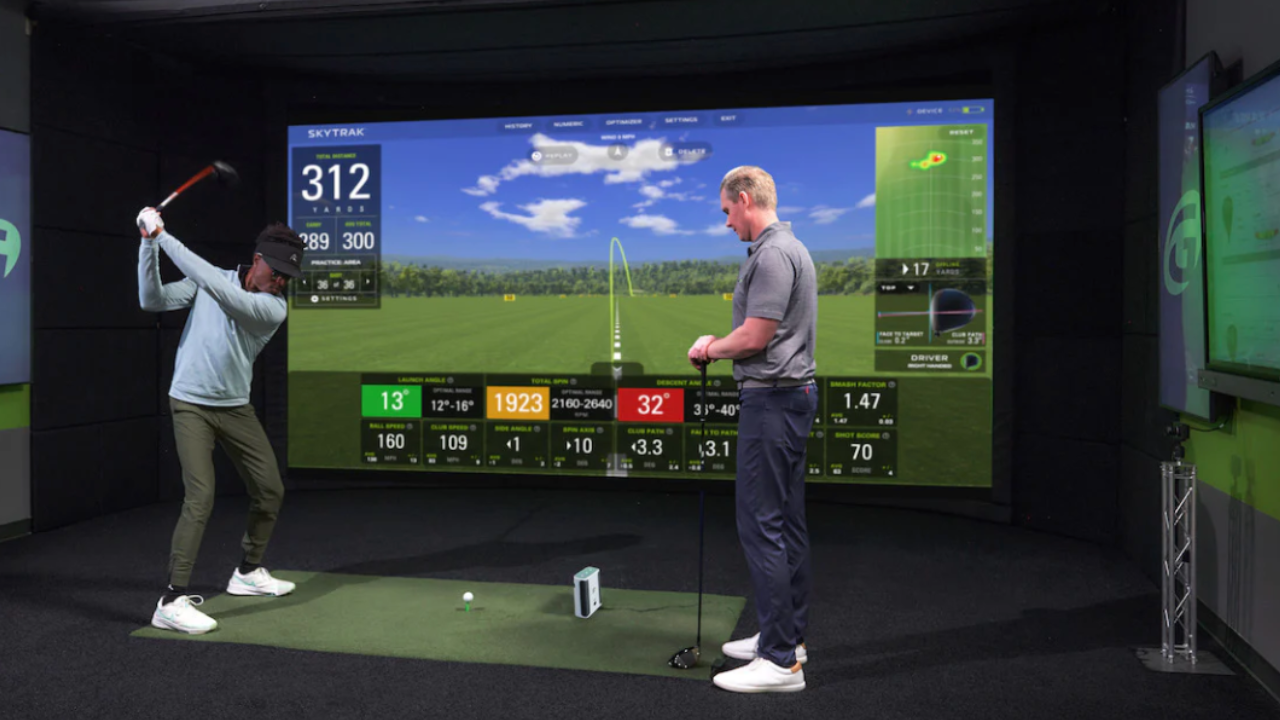
It’s not a built-in studio, enclosure, or all-inclusive room solution like some SkyTrak or Uneekor packages. Instead, it’s a portable Doppler-radar launch monitor that becomes a simulator when paired with software, a hitting net or screen, and a device (phone, tablet, or computer).
Most “Home Bundle” versions typically include:
-
FlightScope Mevo Gen 2 launch monitor
-
Simulator software license (often E6 Connect or FlightScope’s own apps)
-
A basic practice or simulation setup recommendation (net/mat sold separately)
What’s usually not included:
That distinction matters. With Mevo, you’re assembling a system, not unboxing a finished room.
How the Mevo Gen 2 Measures Your Shots
The Mevo Gen 2 uses 3D Doppler radar, positioned behind the golfer, to track the ball for a short window after impact.
This approach has strengths and tradeoffs:
What it does well
-
Measures real ball flight (not estimated contact)
-
Works both indoors and outdoors
-
Provides consistent carry distances when setup is correct
-
Excellent for gapping, wedges, and practice sessions
Where it’s more sensitive
-
Needs enough ball flight indoors (typically 8 feet of ball travel)
-
Requires metallic dots or stickers on the ball for best spin accuracy indoors
-
Can struggle in very tight spaces or with inconsistent lighting
This makes the Mevo Gen 2 especially appealing to golfers who:
-
Practice outdoors part of the year
-
Want the same device to work at the range, in the garage, or in the backyard
-
Care more about distance control and consistency than shot-shaping visuals
Space Requirements (This Is Where Buyers Get Tripped Up)
One reason Mevo owners are generally happier than expected is that they understand the space math before buying.
A realistic indoor setup looks like:
-
8 feet from ball to screen or net
-
6–7 feet from Mevo to ball
-
Ceiling height: ~9 feet (more is better, especially for driver)
This is more forgiving than camera-based systems that need clean side views, but it’s still not “any room works.”
If your space is extremely shallow or you can’t place the unit behind you reliably, Mevo may feel limiting.
Simulator Software Experience
Most Home Bundles pair the Mevo Gen 2 with E6 Connect or FlightScope’s native simulation tools.
What golfers tend to appreciate:
What to keep expectations in check about:
-
Graphics are functional, not cinematic
-
Club data depth is solid but not tour-level
-
Multiplayer and league features are simpler than premium platforms
This is simulator software that supports practice and casual rounds — not a coaching studio or competitive sim league hub.
Who This Simulator Is Best For
The Mevo Gen 2 Home Bundle makes the most sense if you’re someone who:
-
Wants real data without a permanent room build
-
Practices indoors but also wants range and outdoor use
-
Values portability and flexibility
-
Is upgrading from no data or phone-based swing apps
-
Has a realistic budget ceiling under $3,000
It’s especially popular with:
-
Mid-handicap golfers working on distance control
-
Parents building a shared family setup
-
Golfers who rent or don’t want a fixed enclosure
Who It’s Probably Not For
You may want to look elsewhere if:
-
You want a turnkey studio with enclosure and projector included
-
You expect perfect spin numbers without ball markings
-
You want detailed face-angle and impact visuals
-
You plan to coach or fit other players regularly
In those cases, camera-based systems or premium packages will feel more satisfying long-term.
How It Compares in the Simulator Landscape
In practical terms, the Mevo Gen 2 sits:
-
Above entry-level optical or swing-only systems
-
Below studio-style camera simulators
-
In direct conversation with SkyTrak for value-focused buyers
Where SkyTrak tends to win on spin consistency indoors, Mevo often wins on portability and outdoor usefulness.
The Bottom Line
The FlightScope Mevo Gen 2 Home Bundle isn’t trying to be the most advanced simulator on the market — and that’s exactly why it works.
It’s a thoughtful, flexible system for golfers who want meaningful feedback, the ability to play simulated rounds, and the freedom to practice in more than one environment. When buyers understand that they’re building a simulator around the Mevo — not buying a finished room — satisfaction tends to be high.
If you’re exploring simulator options and trying to balance budget, space, and realism, this is one of the most practical starting points in the category.
You can explore compatible bundles, compare similar simulators, or browse full package options throughout the directory to see how Mevo stacks up against other home setups.