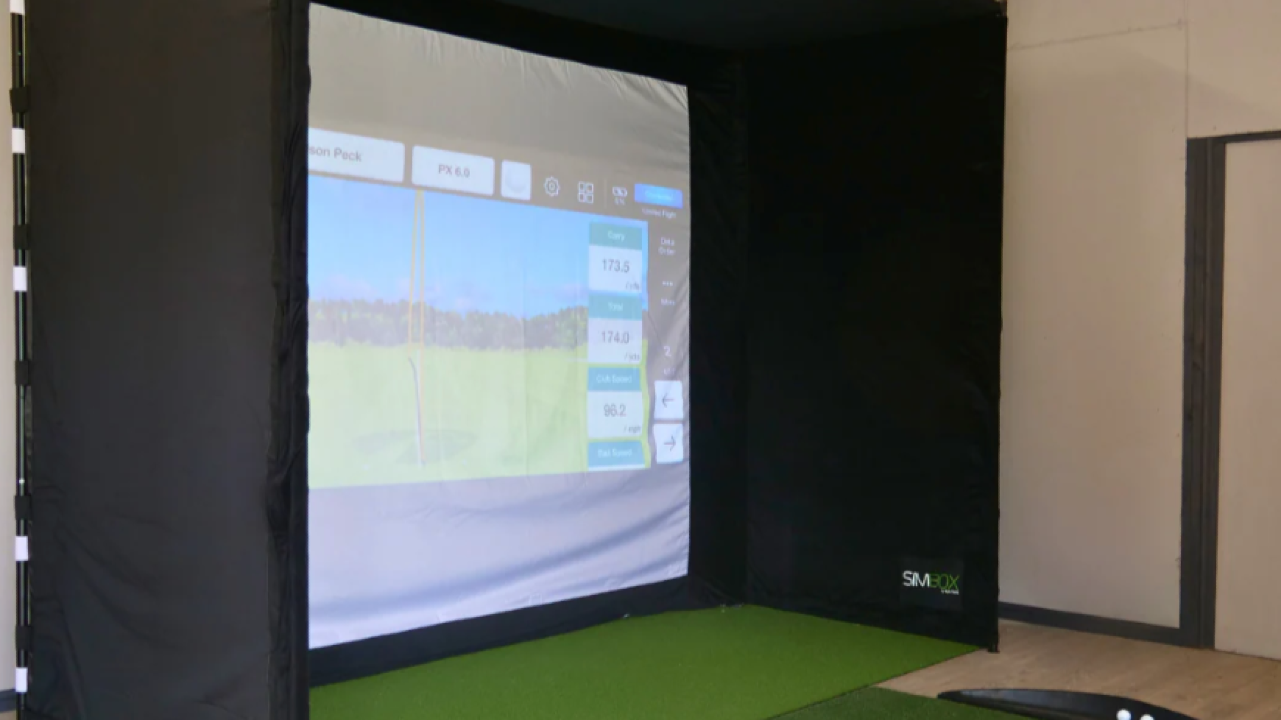
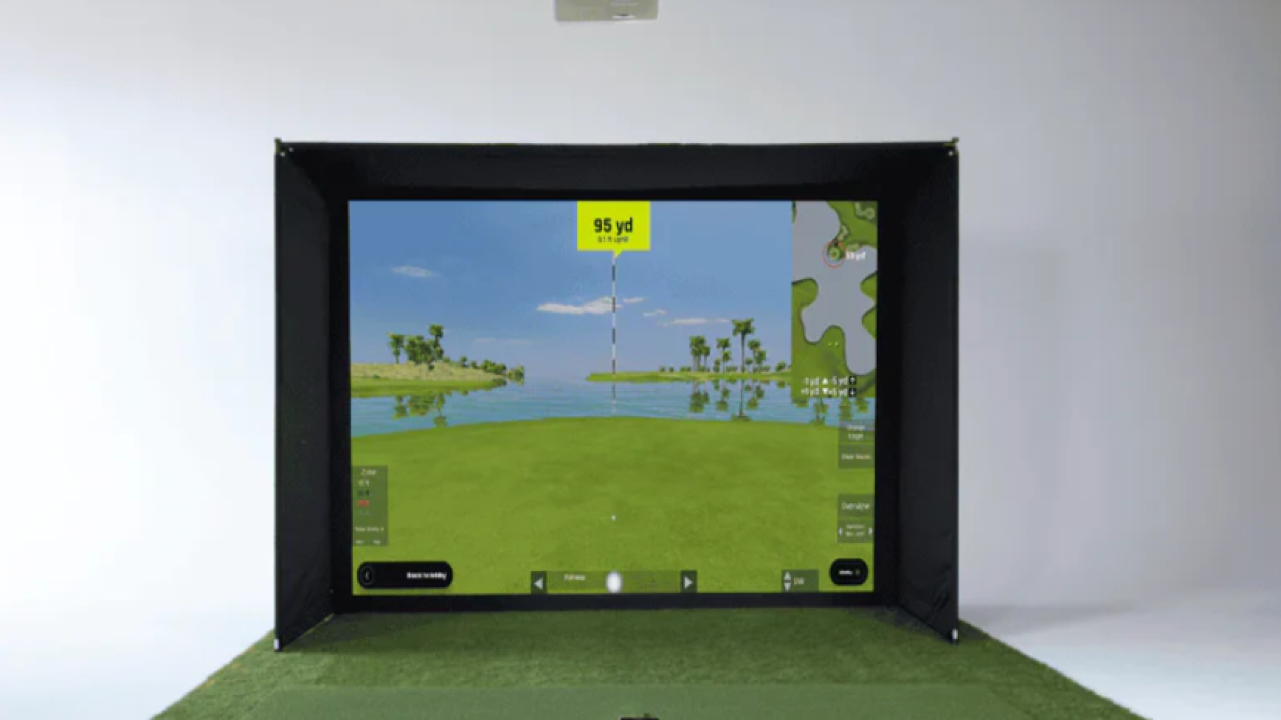
Category: Portable & Entry-to-Mid Level Golf Simulators
Typical Price Range:
-
Garmin Approach R10: ~$500 – $700
-
Garmin Approach R50: ~$4,500 – $5,000
-
Garmin Home Tee Hero Software: Subscription-based (used with Garmin devices)
Best For: Golfers who want flexible indoor and outdoor use, limited space setups, or a simulator that can travel from home to range to course
Where Garmin fits in the simulator landscape
Garmin sits in a very different place than SkyTrak, Uneekor, or TrackMan.
Rather than building permanent studio systems, Garmin focuses on portable launch monitors and simulator-enabled devices that work in multiple environments. These are golfers who don’t want to dedicate a room, install ceiling hardware, or lock themselves into a single setup.
If traditional simulators are built into a space, Garmin simulators are built around the golfer.
The three Garmin options — and how they differ
Garmin Approach R10
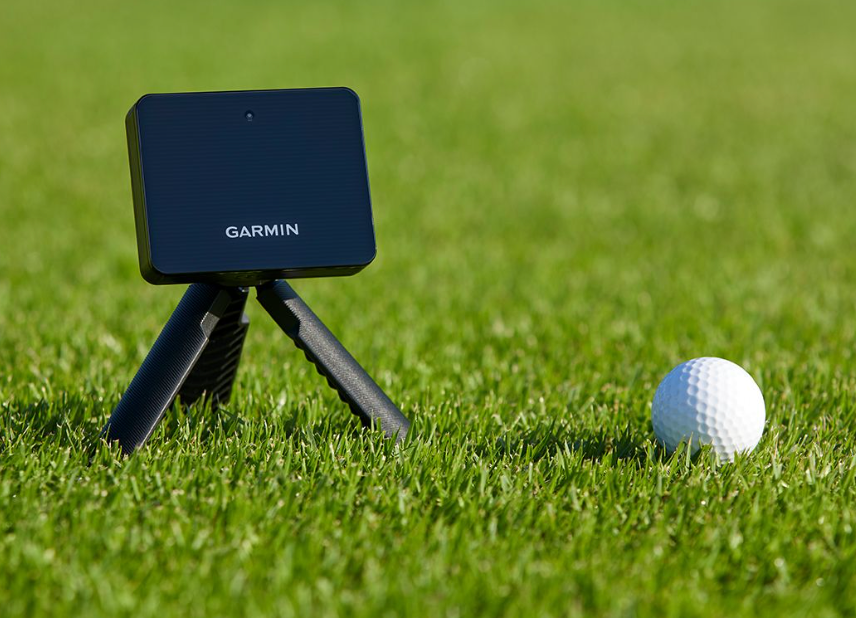
The R10 is Garmin’s most widely used simulator-capable launch monitor and one of the most accessible entry points into home simulation.
It’s compact, radar-based, and designed to sit behind the golfer, making it easy to use both indoors and outdoors. Paired with Garmin’s software (and optional third-party apps), it provides ball flight simulation, practice modes, and virtual rounds.
This is not a tour-level data system — but for casual golfers and improvement-minded players on a budget, it delivers meaningful feedback without complexity.
Garmin Approach R50
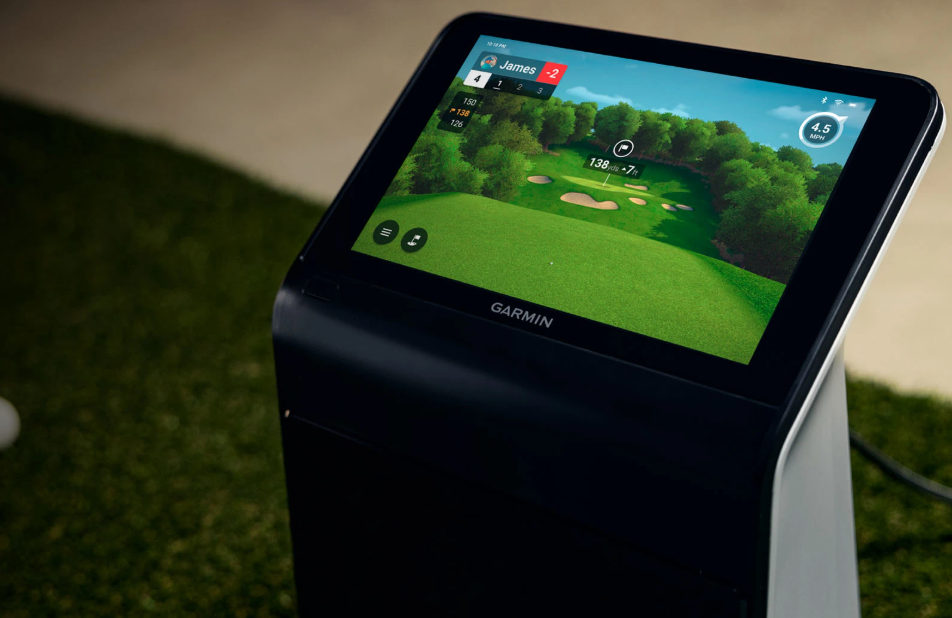
The R50 is a major step up — and Garmin’s clearest answer to golfers who want serious practice capability without a permanent install.
Unlike the R10, the R50 includes:
-
A built-in display
-
On-device simulation and analytics
-
Significantly improved data capture
-
A more refined practice experience
The R50 feels less like a gadget and more like a self-contained simulator system. It’s designed for golfers who want better data and a smoother experience but still value portability and simplicity over studio construction.
Garmin Home Tee Hero (Software)

Home Tee Hero is Garmin’s simulation software layer, used with Garmin launch monitors to unlock:
-
Virtual courses
-
Practice environments
-
Indoor play modes
This software is what turns Garmin hardware into a true simulator experience. It’s typically subscription-based and works best when paired with a net, impact screen, or simulator enclosure.
What’s included — and what’s not
Garmin’s systems are device-centric, not room-centric.
Typically included:
-
Garmin launch monitor or simulator device
-
Access to Garmin Golf ecosystem
-
Core simulation and practice features
Typically NOT included:
This gives golfers freedom — but also means you’ll need to assemble your own environment if you want a more immersive setup.
Space and setup expectations
Garmin is ideal for:
Most golfers pair Garmin devices with:
-
A hitting net or compact screen
-
A basic mat
-
Optional tablet, TV, or projector for display
There’s no ceiling mounting, no permanent install, and no room commitment required.
How golfers actually use Garmin simulators
Garmin users tend to practice more often, even if sessions are shorter.
Common use cases include:
-
Quick indoor sessions during bad weather
-
Distance gapping and tempo work
-
Casual virtual rounds with friends
-
Portable practice at the range or on trips
Garmin shines when convenience and flexibility matter more than ultra-precise fitting data.
Who this is really for
Garmin makes sense if you:
-
Want a simulator you can move and store
-
Don’t want to build a dedicated studio
-
Prefer simple setup over maximum accuracy
-
Value indoor and outdoor use from one device
If your goal is elite data, professional fitting, or permanent indoor training, camera-based or premium radar systems will be a better fit.
Why golfers choose Garmin
-
True portability
-
Lower cost of entry
-
Minimal setup and teardown
-
Strong ecosystem and brand support
-
Works indoors, outdoors, and on the range
For many golfers, Garmin is the least intimidating way to bring simulation into their routine.
Bottom line
Garmin simulators aren’t about building the perfect room — they’re about removing friction.
If OptiShot introduces the idea of simulation, and SkyTrak commits you to a space, Garmin sits in between: flexible, practical, and easy to live with.
For golfers who want to practice more often without redesigning their home, Garmin is one of the most approachable simulator options available.