
Garmin Home Tee Hero (Software)
Garmin Elevates Golf Simulator Experience With New Home Tee Hero Upgrades.
Garmin Elevates Golf Simulator Experience With New Home Tee Hero Upgrades.
Price range: typically included with compatible Garmin launch monitors (subscription may apply depending on device and usage)
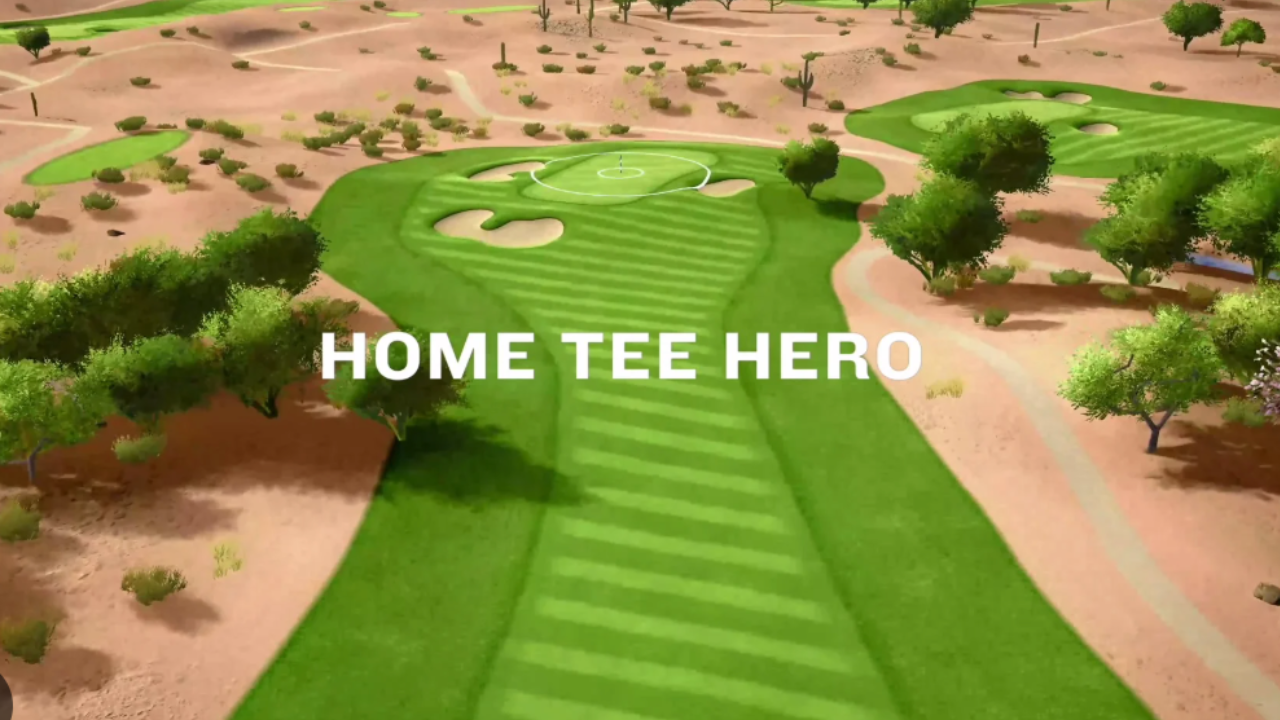
Garmin Home Tee Hero is golf simulator software, not hardware. That distinction matters. While launch monitors measure your swing and ball data, software is what turns those numbers into an experience you can actually use—playing courses, practicing with intent, and understanding what your shots mean in context.
In a home simulator setup, software is the layer that determines whether you’re simply hitting balls into a screen or actually playing golf indoors. Garmin Home Tee Hero sits firmly in the “playable golf” category. It focuses on course play, visual realism, and accessibility rather than advanced coaching analytics.
If you’re considering Garmin hardware—or already own it—Home Tee Hero is the environment you’ll spend the most time inside.
At its core, Garmin Home Tee Hero recreates real golf courses in a virtual environment and uses launch monitor data to simulate ball flight, shot shape, and outcomes. When you hit a shot, the software interprets the data coming from your Garmin device and displays the result as a full golf shot on screen.
That sounds simple, but the value is in how naturally this happens. You’re not jumping through menus or configuring complex settings. You step up, hit a shot, and play.
Home Tee Hero includes access to a large library of real-world courses, allowing golfers to play familiar layouts or experience new ones without leaving home. The emphasis is on flow—rounds move at a natural pace, which makes the software well-suited for casual rounds, family play, and social sessions.
Garmin Home Tee Hero is designed to work with Garmin launch monitors, such as the Approach R10. That means it’s not a standalone product—you need compatible Garmin hardware for the software to function.
This also means setup tends to be simpler than more modular simulator systems. The software is optimized for Garmin’s data structure, so compatibility issues are minimal. For many home users, that reduces friction during setup and day-to-day use.
It’s important to understand what Home Tee Hero is not. It’s not a coaching-heavy platform with deep swing diagnostics or advanced fitting tools. Garmin positions this software toward playability and accessibility, not elite instruction.
That clarity actually works in its favor for the right golfer.
This software makes the most sense for:
Home golfers who prioritize playing rounds, not dissecting swing mechanics
Families and multi-player households where ease of use matters
Casual to mid-handicap golfers who want realistic course play indoors
Garmin ecosystem users who prefer everything to work together cleanly
If your goal is to practice wedge distances, track tendencies over time, or simulate competitive rounds with friends, Home Tee Hero delivers that without overwhelming you with data.
If your goal is elite-level swing analysis, this likely isn’t the right tool on its own.
One of the strongest aspects of Home Tee Hero is how approachable course play feels. Courses are recognizable, layouts are intuitive, and the visual presentation is clean without trying to be hyper-realistic.
This matters because realism in simulator software isn’t just about graphics resolution. It’s about whether the experience feels like golf. Shot outcomes make sense. Misses behave like misses. Good swings are rewarded appropriately.
For many golfers, that realism is enough—and often preferable—to highly technical software that requires constant adjustment or interpretation.
Home Tee Hero supports multiplayer modes, which is an underrated feature in home simulator setups. Many simulators start as solo practice tools and gradually become social spaces. Software that supports easy player switching and round setup becomes more valuable over time.
This makes Home Tee Hero especially appealing for golfers who plan to host friends, play with family members, or use their simulator as a shared space rather than a private training studio.
Garmin Home Tee Hero runs within Garmin’s software ecosystem and is designed to work smoothly with supported Garmin devices. You’ll typically need:
A compatible Garmin launch monitor
A supported device (tablet, phone, or computer, depending on setup)
A display solution (projector or screen) if used in a full simulator build
Because it’s tightly integrated with Garmin hardware, setup complexity is generally lower than multi-brand simulator stacks that mix third-party software and sensors.
This is where clarity matters.
Garmin Home Tee Hero does not include:
A launch monitor
A projector or screen
A physical hitting setup
It also doesn’t replace advanced coaching software or professional fitting platforms. Instead, it fills a specific role: turning Garmin launch monitor data into playable golf.
Understanding that role helps avoid disappointment and ensures the software is used as intended.
Garmin Home Tee Hero belongs squarely in your Simulator Software & Apps category. It pairs naturally with listings for Garmin-compatible launch monitors and complements full simulator packages where simplicity and ease of use are priorities.
If you’re browsing this directory to compare simulator software options, Home Tee Hero represents the accessible, play-focused end of the spectrum—a strong choice for golfers who want to play more golf indoors, not manage a complex system.
To explore compatible hardware or compare other simulator software options, browse the related listings throughout the directory.
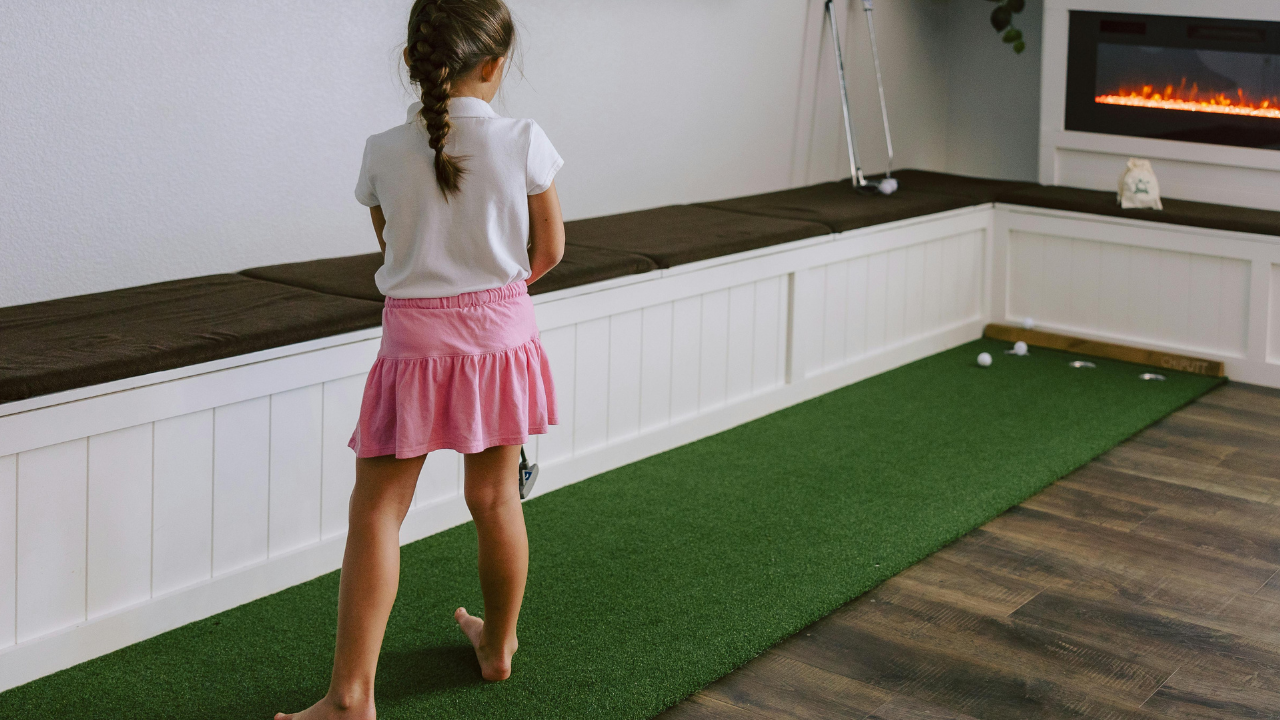
Explore the differences between E6 CONNECT and other leading golf simulator software to determine which best suits your golfing goals and needs.
Discover how realistic golf simulators are for playing a full round of golf at home. Explore the benefits, technology, and experience of home golf simulations.

Explore the key differences between Garmin and SkyTrak golf simulators to find the perfect fit for your home setup. Make an informed decision with our detailed comparison.
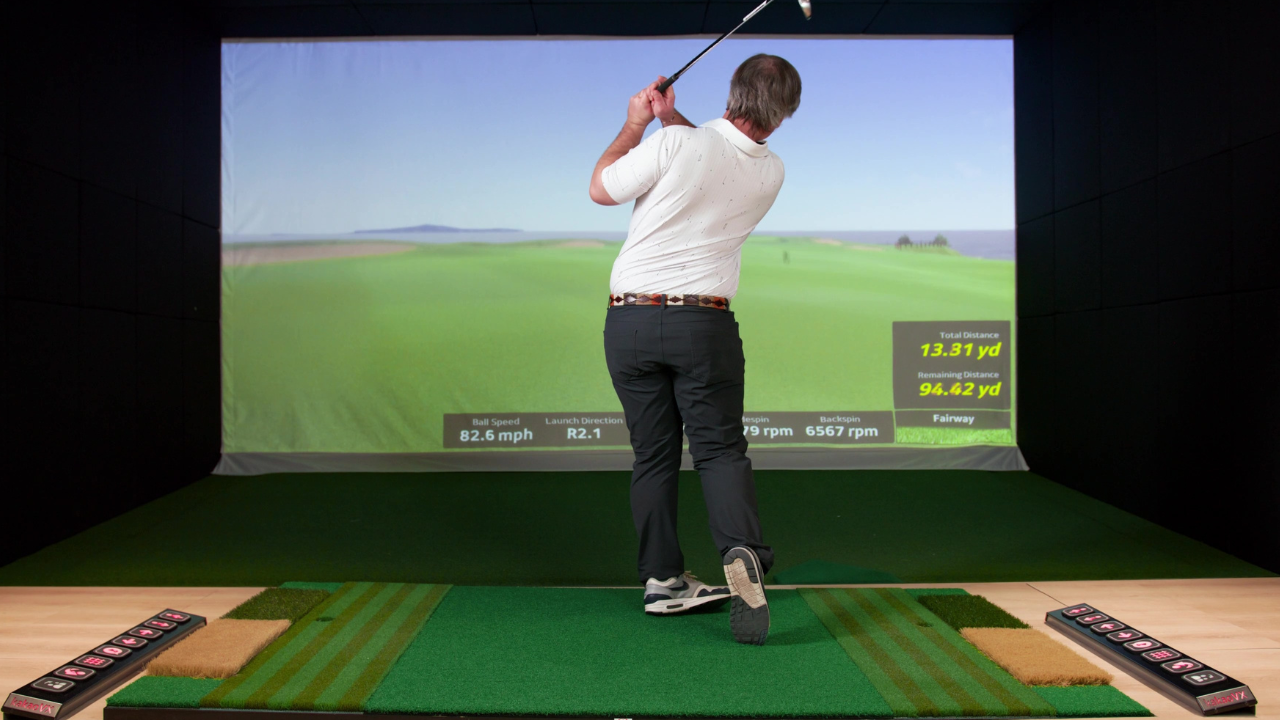
Discover the valuable lessons and insights that first-time golf simulator buyers wish they knew after six months of ownership. Enhance your golfing experience with key tips and advice.