Price Range: $3,000–$10,000+ (depending on package and size)
Type: Complete Package / Launch Monitor Only
Overview:
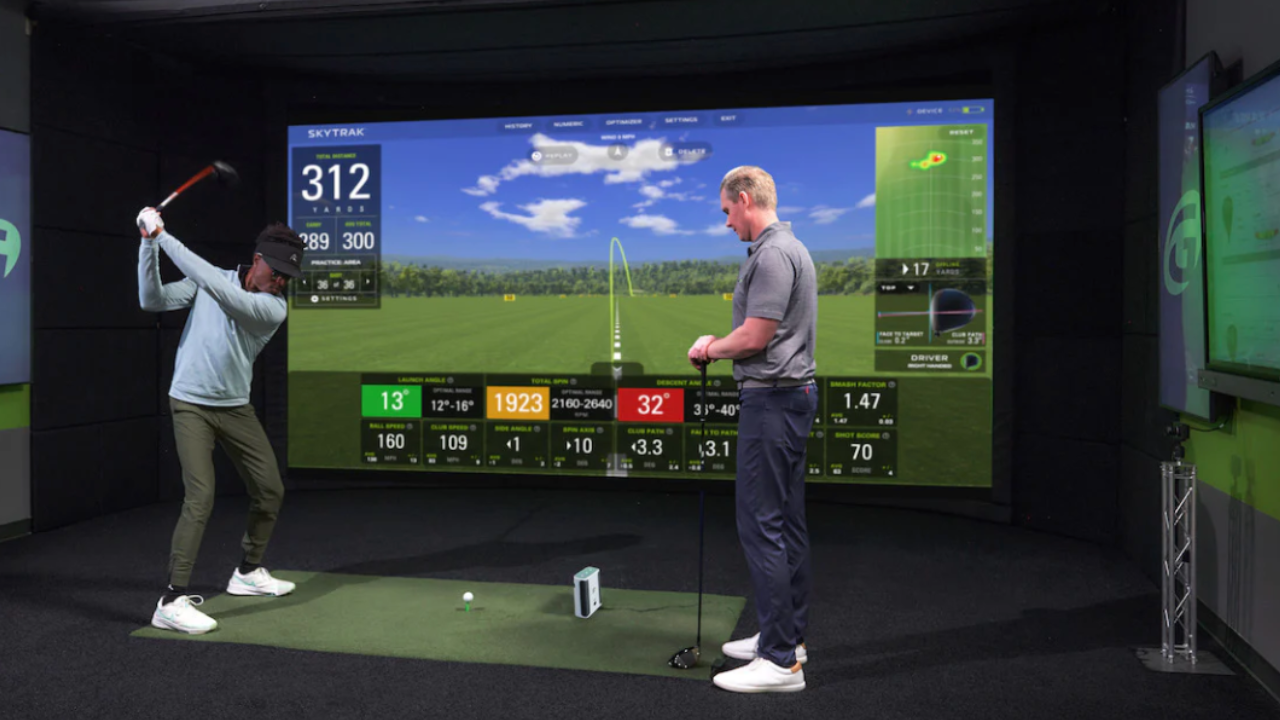
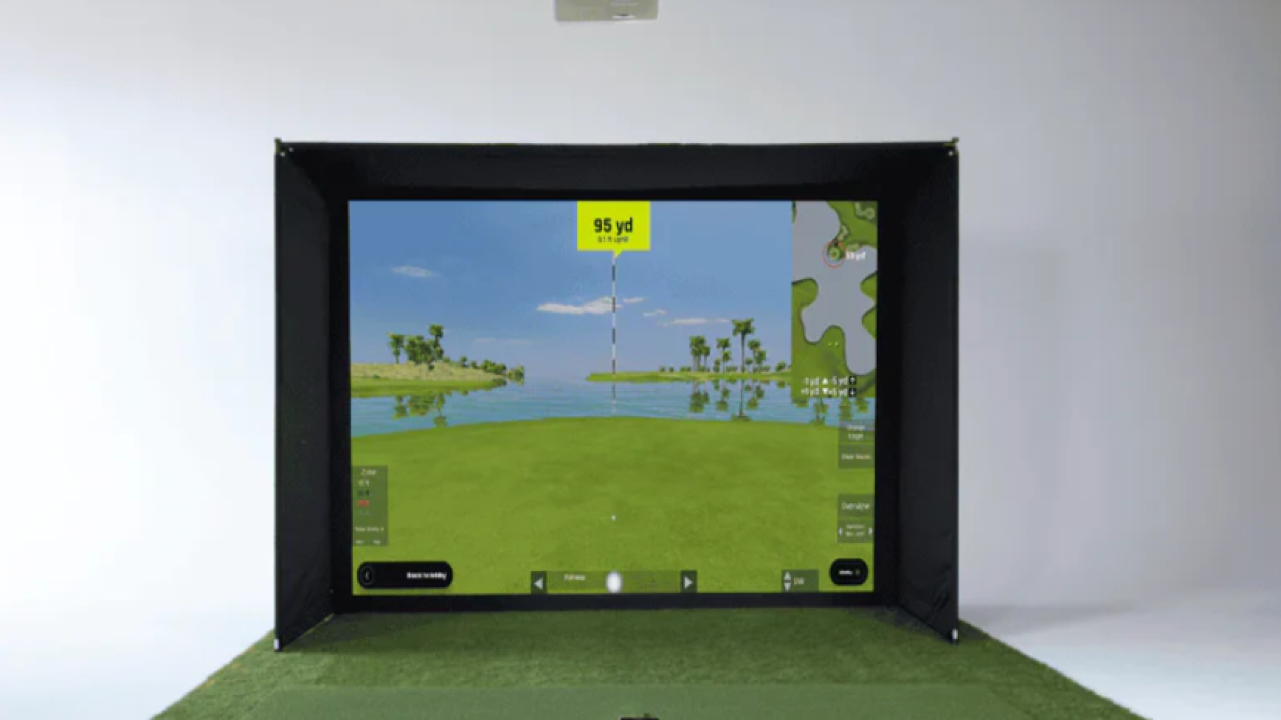
If you’ve been thinking about bringing golf indoors, SkyTrak ST+ Studio is one of the most flexible and reliable ways to do it. Whether you have a small basement corner or a dedicated room, this system adapts to your space while giving you the same type of ball flight data and swing analysis that serious players use on the range.
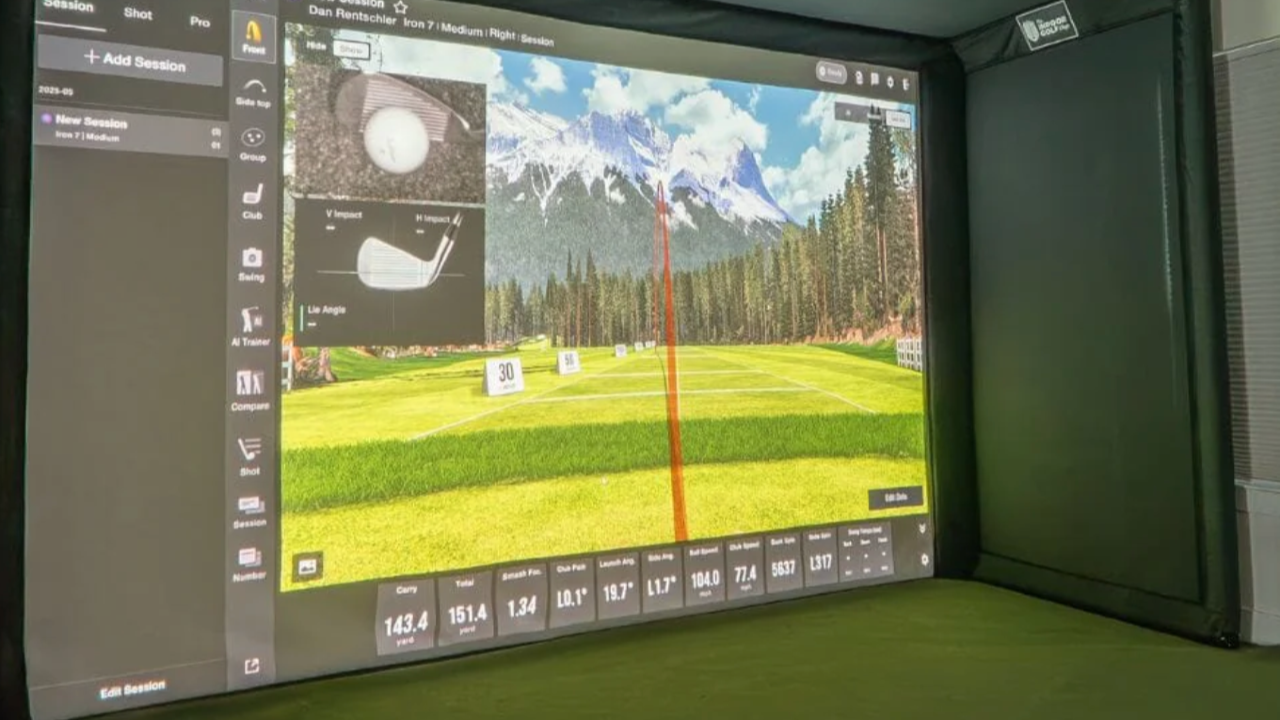
The beauty of SkyTrak is that it balances accuracy, ease of use, and room flexibility. The ST+ launch monitor tracks everything — ball speed, spin, trajectory, and more — while the simulator software turns that data into real practice drills or full virtual courses. You can practice short game shots, fine-tune your drives, or even play a virtual round on famous courses.
Key Features Explained for the Golfer:
-
Launch Monitor: The heart of the system. This isn’t just a sensor — it’s your “coach in a box.” You’ll get accurate swing and ball data that helps you understand exactly what’s happening with each shot. If you already own a SkyTrak or other monitor, you can choose a version without the launch monitor and integrate your existing device.
-
Software & Virtual Courses: Beyond numbers, the software is where SkyTrak really shines. You can play full courses, practice specific drills, or test your consistency over multiple rounds. Think of it like having a range, a simulator, and a coach all in one package. Advanced features may require a subscription, but even the basic software gives a clear picture of your swing and ball flight.
-
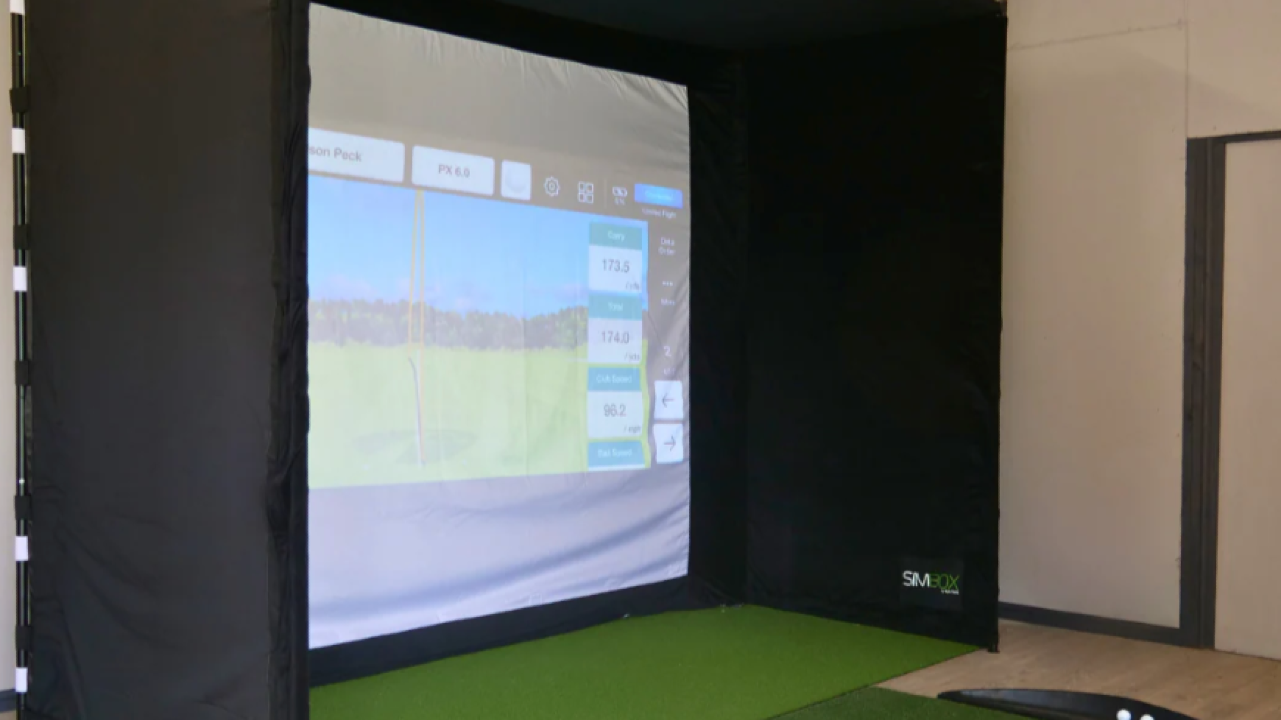
Studio Sizes: One of the things that can overwhelm buyers is figuring out whether a simulator will fit their space. SkyTrak offers four sizes:
-
8' x 7'5" x 4' – perfect for tighter rooms or basement corners
-
10' x 8'6" x 5'4' – a comfortable mid-size option
-
12' x 8'6" x 5'4' – slightly larger, ideal if you want more freedom of swing
-
13' x 10' x 10' – the “full immersion” size for a professional-style studio
-
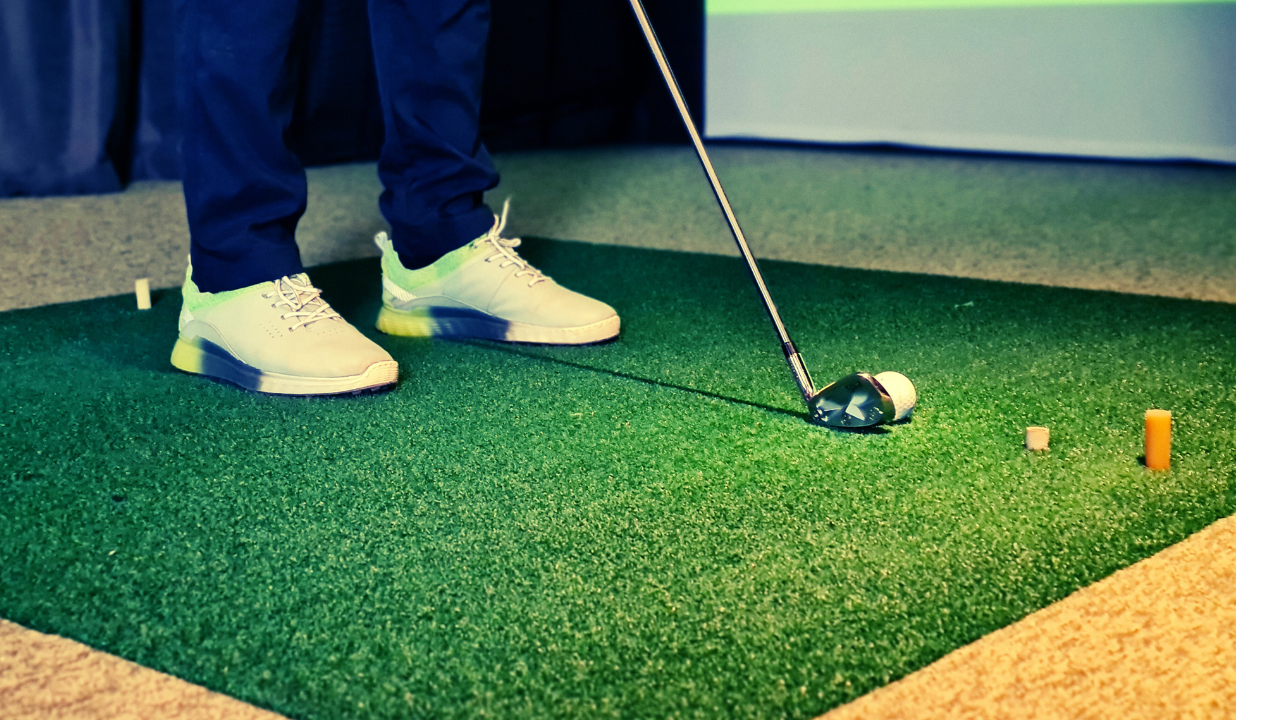
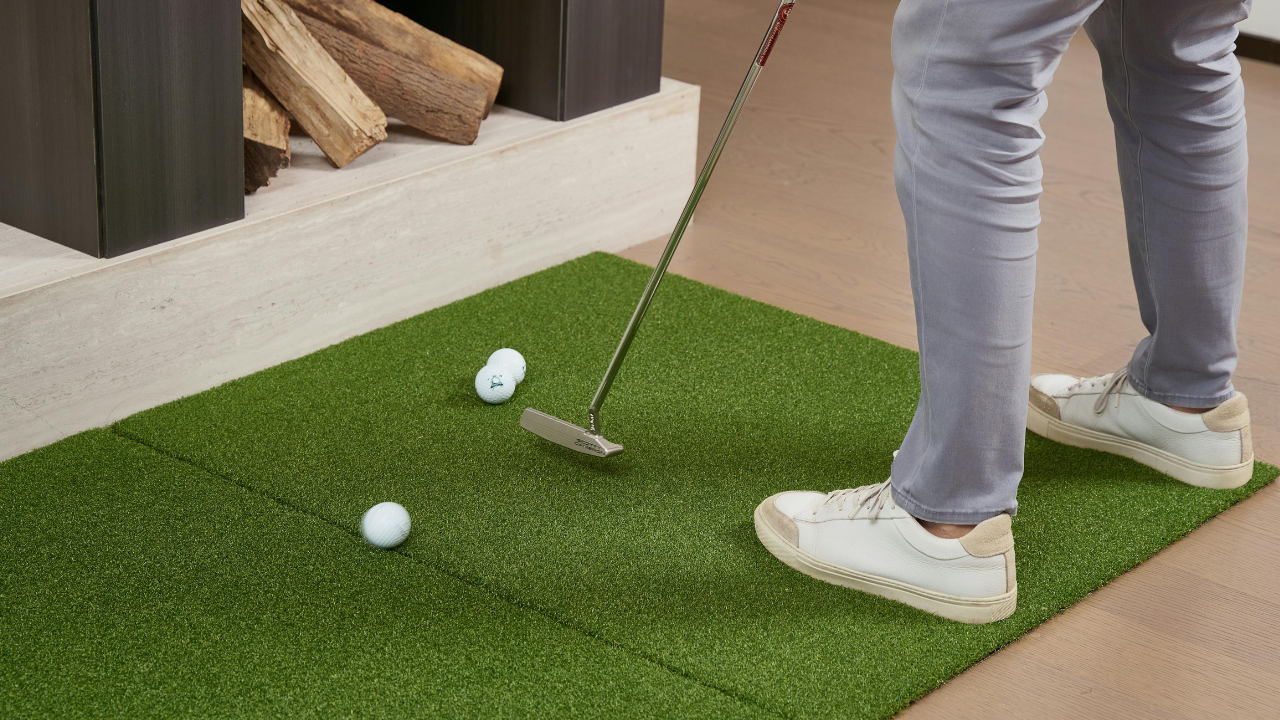
Accessories & Complete Setup: Some SkyTrak packages include everything you need, while others focus on the monitor and software. Ultimate packages add the Optoma GT2000HDR projector for a cinematic, lifelike feel. Screens, mats, enclosures, and lighting may need to be purchased separately depending on your room and goals.
What’s Included vs Optional:
-
Included: ST+ Launch Monitor (standard packages), SkyTrak basic software, your choice of studio size
-
Optional / Upgrade: Ultimate projector, advanced software features, hitting mats, enclosures, lighting, additional sensors
Best For:
SkyTrak is great for golfers who:
-
Want real feedback on their swing and ball flight
-
Have limited space but still want a realistic experience
-
Are willing to invest in a flexible setup that grows with their skills
Thoughtful Considerations for Buyers:
-
If you’re tight on space, the smaller 8' x 7'5" x 4' studio still gives you accurate data and practice drills, but remember your swing might feel constrained for full drives.
-
If you already have a launch monitor, the “No Launch Monitor Included” option lets you save money and still enjoy full simulator features.
-
Plan for upgrades: projector, screens, and lighting transform the experience from “practical practice” to “immersive home course.”
-
SkyTrak is about learning and improving — the better you use the software and practice routines, the more insight you get into your game.