One of the first questions golfers ask when researching a home simulator is simple:
How much does a golf simulator actually cost to set up at home?
The answer depends on three things:
- the quality of equipment you choose
- the size of your space
- whether you're building a full simulator experience or a practice-focused setup
The good news is there’s a wide range of options. Some golfers build functional home setups for under $3,000, while others invest $20,000+ in premium indoor studios.
This guide breaks down realistic home golf simulator setup costs, what each budget level includes, and where most homeowners overspend without realizing it.
Quick Cost Overview: Home Golf Simulator Setup Ranges
Most home simulator builds fall into one of three categories:
Entry-level setup
- $2,500 – $5,000
Mid-range setup
- $5,000 – $12,000
Premium setup
- $12,000 – $25,000+
Each level supports a different type of indoor practice experience.
The key is choosing the setup that matches your goals — not just your budget.
What Makes Up the Cost of a Home Golf Simulator?
A simulator is not a single product.
It’s a system made of several components:
- launch monitor
- hitting mat
- impact screen or net
- projector or display
- simulator software
- enclosure (optional but recommended)
- mounting hardware and accessories
The launch monitor alone usually represents 40–70% of the total setup cost.
That’s why choosing the right one is the most important decision in the entire build process.
Entry-Level Home Golf Simulator Setup Cost ($2,500 – $5,000)
Entry-level setups focus on practice improvement rather than full course simulation immersion.
Typical entry-level setup includes:
- budget launch monitor
- hitting net or basic impact screen
- quality hitting mat
- tablet or laptop display instead of projector
- entry-level simulator software
What this setup supports:
- swing feedback
- distance tracking
- ball data improvement
- winter practice sessions
- garage installations with limited space
What it usually does NOT include:
- enclosure framing
- ceiling-mounted projector
- full immersive course play experience
Many golfers start here and upgrade later.
Example Entry-Level Cost Breakdown
Typical component ranges:
Launch monitor:
- $500 – $2,500
Hitting mat:
- $300 – $900
Net or entry screen:
- $200 – $800
Software:
- free to $500 annually
Tablet or laptop display:
- existing device or $500 – $1,000
Estimated total:
$2,500 – $5,000
This is the most common first simulator setup range for garage builds.
Mid-Range Home Golf Simulator Setup Cost ($5,000 – $12,000)
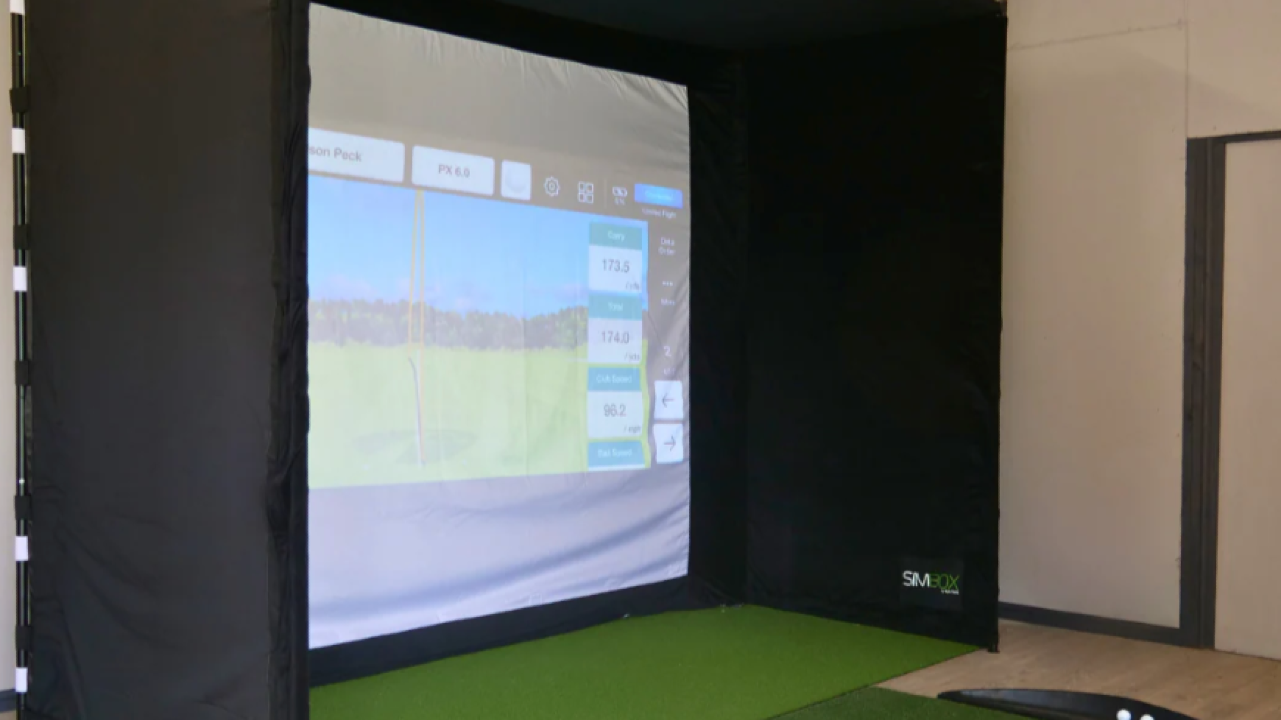
Mid-range setups deliver the experience most homeowners imagine when they first consider installing a simulator.
Typical upgrades at this level include:
- higher-accuracy launch monitor
- dedicated impact screen
- enclosure frame
- short-throw projector
- improved simulator software features
This is where simulators start to feel like indoor golf studios rather than training stations.
Benefits of this range:
- realistic shot feedback
- multiplayer support
- full course simulation
- better swing analysis tools
- cleaner installation appearance
For many homeowners, this is the ideal balance between performance and cost.
Example Mid-Range Setup Cost Breakdown
Typical component ranges:
Launch monitor:
- $2,500 – $7,000
Impact screen + enclosure:
- $1,000 – $3,000
Projector:
- $700 – $2,000
Hitting mat:
- $500 – $1,200
Software subscription:
- $250 – $800 annually
Estimated total:
$5,000 – $12,000
Most permanent garage simulator installs fall into this category.
Premium Home Golf Simulator Setup Cost ($12,000 – $25,000+)
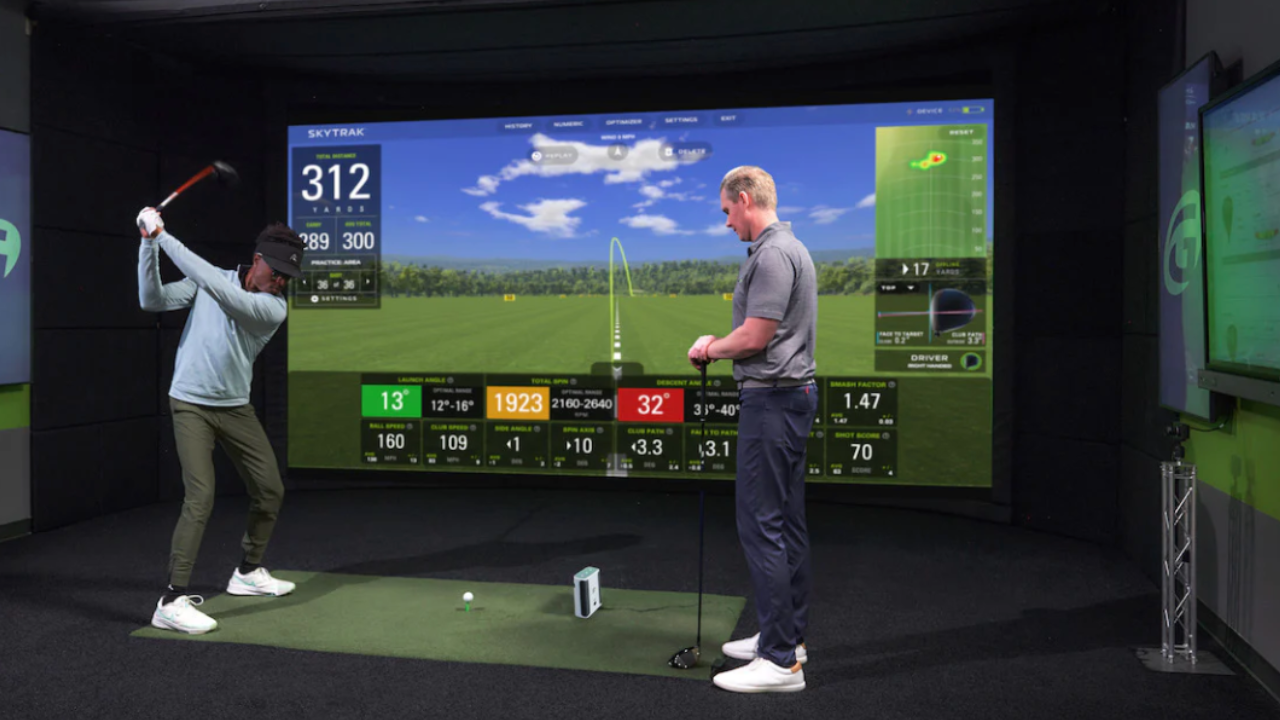
Premium setups are designed to replicate the experience of commercial simulator studios.
Typical features include:
- tour-level launch monitor accuracy
- large enclosure systems
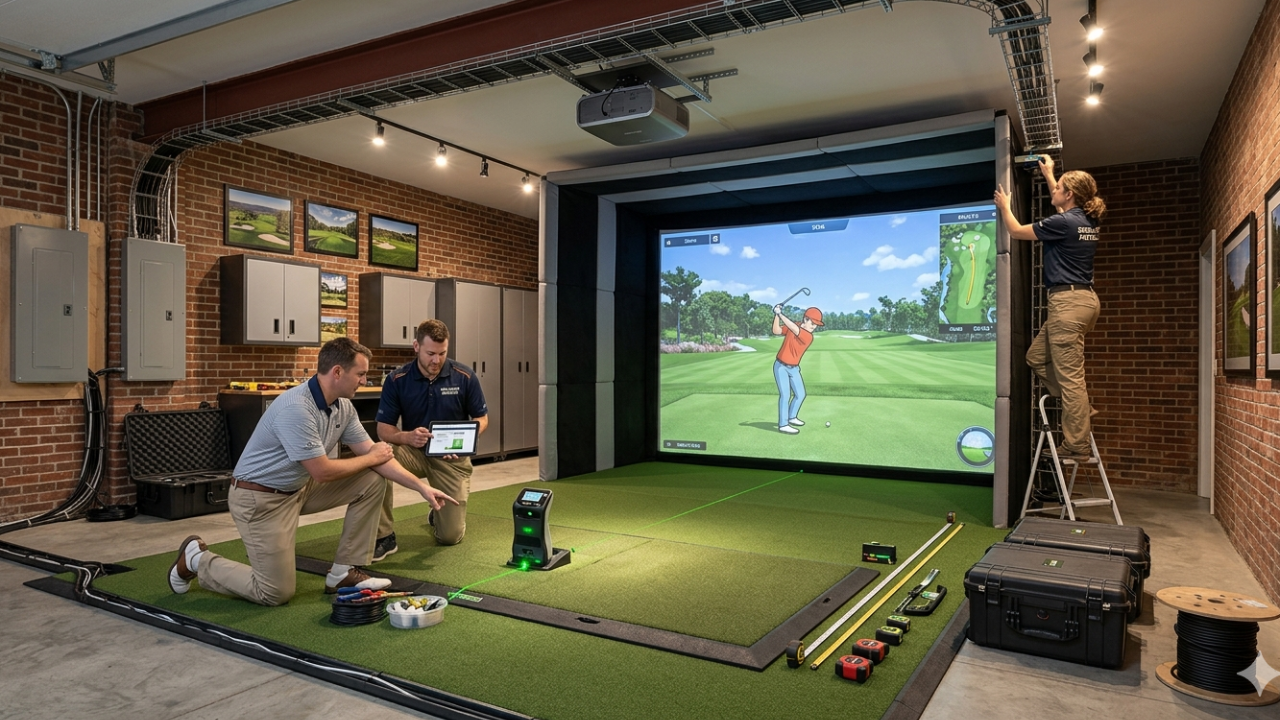
- ceiling-mounted projector installations
- high-end hitting surfaces
- advanced simulator software packages
- dedicated simulator room layouts
These setups often support:
- coaching sessions
- club fitting
- multiplayer tournaments
- year-round indoor practice routines
Some homeowners building dedicated golf rooms invest even more.
Example Premium Setup Cost Breakdown
Typical component ranges:
Launch monitor:
- $7,000 – $20,000+
Enclosure system:
- $2,000 – $6,000
Projector:
- $1,500 – $4,000
Premium hitting mat:
- $1,000 – $2,500
Software packages:
- $500 – $1,500 annually
Estimated total:
$12,000 – $25,000+
This range creates the most immersive home simulator experience available.
Hidden Costs Most Home Simulator Buyers Don’t Expect
Many first-time simulator builders budget only for hardware.
But several smaller expenses often appear during installation:
common overlooked costs include:
- ceiling projector mounts
- extension cables
- lighting adjustments
- protective wall padding
- flooring upgrades
- garage heating or cooling improvements
- impact screen clearance framing
These additions usually add:
$300 – $2,000 depending on the setup.
Your article Garage Golf Simulator Heating & Cooling Solutions supports this planning stage well.
Garage Golf Simulator Setup Cost vs Spare Room Setup Cost
Garage installs are usually more affordable because they offer:
- more depth
- higher ceilings
- fewer furniture obstacles
However, garages sometimes require:
- insulation improvements
- heating upgrades
- lighting adjustments
Spare-room installs often cost slightly more due to:
- projector mounting constraints
- enclosure size limitations
- wall protection requirements
Your article Garage vs Spare Room: Choosing the Best Space for Your Home Golf Simulator helps readers evaluate this decision.
Ongoing Costs After Installing a Golf Simulator
Most simulator owners only budget for installation.
But there are small yearly costs to consider:
Typical annual simulator expenses:
Software subscriptions:
- $250 – $800
Replacement hitting strips:
- every 12–24 months
Screen wear over time:
- varies by usage
Electricity usage:
- minimal but noticeable with projectors
Most homeowners spend:
$300 – $1,000 per year maintaining their setup.
Can You Build a Golf Simulator for Under $3,000?
Yes — but expectations matter.
Budget-friendly setups typically include:
- compact launch monitor
- hitting net instead of enclosure
- tablet display instead of projector
- entry-level software
These setups are ideal for:
- swing improvement
- distance tracking
- winter practice routines
They’re not designed to replicate a full indoor golf studio experience.
Still, many golfers start here successfully.
Where Most Home Simulator Budgets Go Wrong
The most common mistake is overspending in the wrong category.
Typical planning mistakes include:
- buying premium software before upgrading hardware
- choosing a projector before confirming ceiling height
- purchasing incompatible components
- underestimating hitting mat importance
A balanced setup almost always performs better than a single premium component paired with entry-level accessories.
The Smartest Way to Plan Your Simulator Budget
Start by deciding what type of simulator experience you want:
Practice-focused training setup
Full-course simulation experience
Dedicated indoor golf studio environment
Then match your budget to the goal.
This prevents unnecessary upgrades later.
Your article Golf Simulator Packages vs DIY Setup: Which Is Better? helps readers compare both approaches during planning.
Final Thoughts: Most Homeowners Spend Less Than They Expect
Many golfers assume a home simulator requires a five-figure investment.
In reality:
- entry setups start around $3,000
- full-featured garage builds often land between $6,000–$10,000
- premium studio environments range higher depending on equipment choices
The best setup isn’t the most expensive one.
It’s the one that fits your space, your goals, and how often you plan to practice.