If you’re trying to build a home golf simulator, this is usually the point where things start to feel confusing.
You’ve probably narrowed it down to a few names — maybe you’ve seen SkyTrak, Garmin, and FlightScope mentioned everywhere… and now you’re stuck trying to figure out what actually matters.
Because here’s the truth most marketing doesn’t explain clearly:
These three aren’t just “different brands.”
They represent three completely different philosophies of how golf simulators measure your shot.
And the one you choose will shape:
- how realistic your simulator feels
- how much space you need
- how much frustration you experience
- and ultimately whether you actually use your setup long-term
So let’s break this down in a real-world way — not a spec sheet comparison.
First: what a launch monitor is actually doing (in plain English)
Before comparing brands, it helps to understand what you’re really buying.
A launch monitor is essentially:
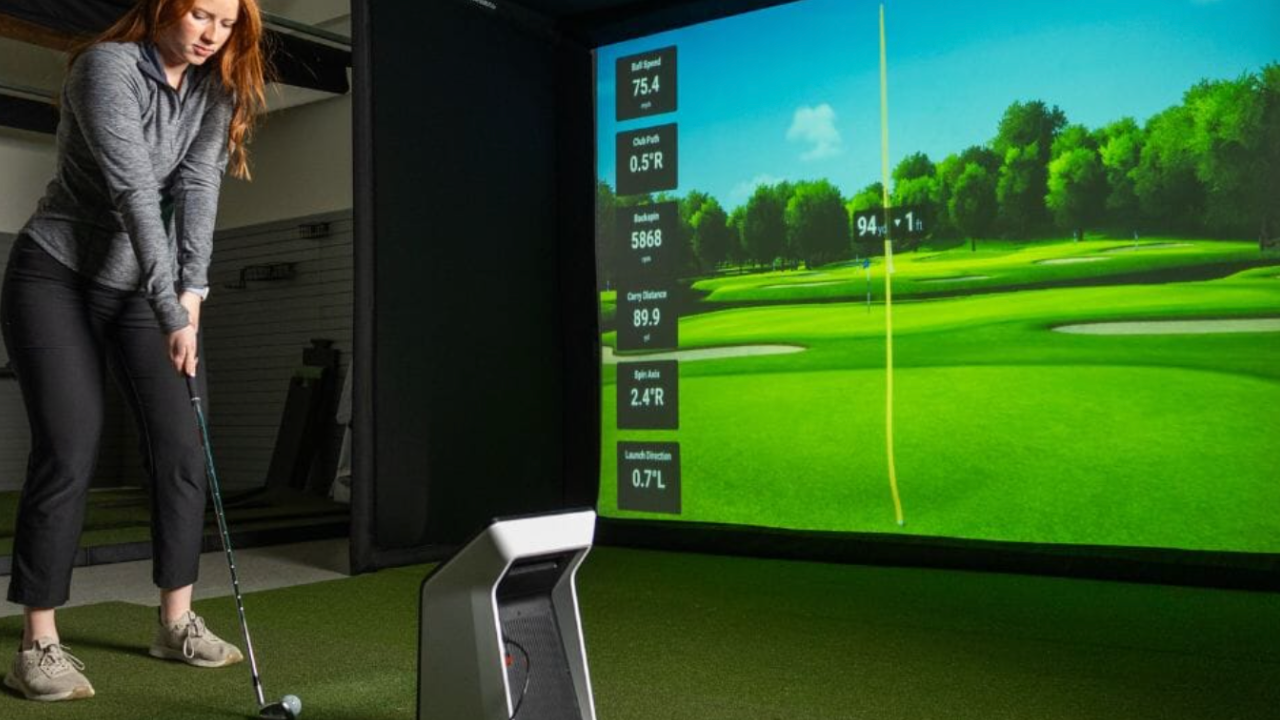
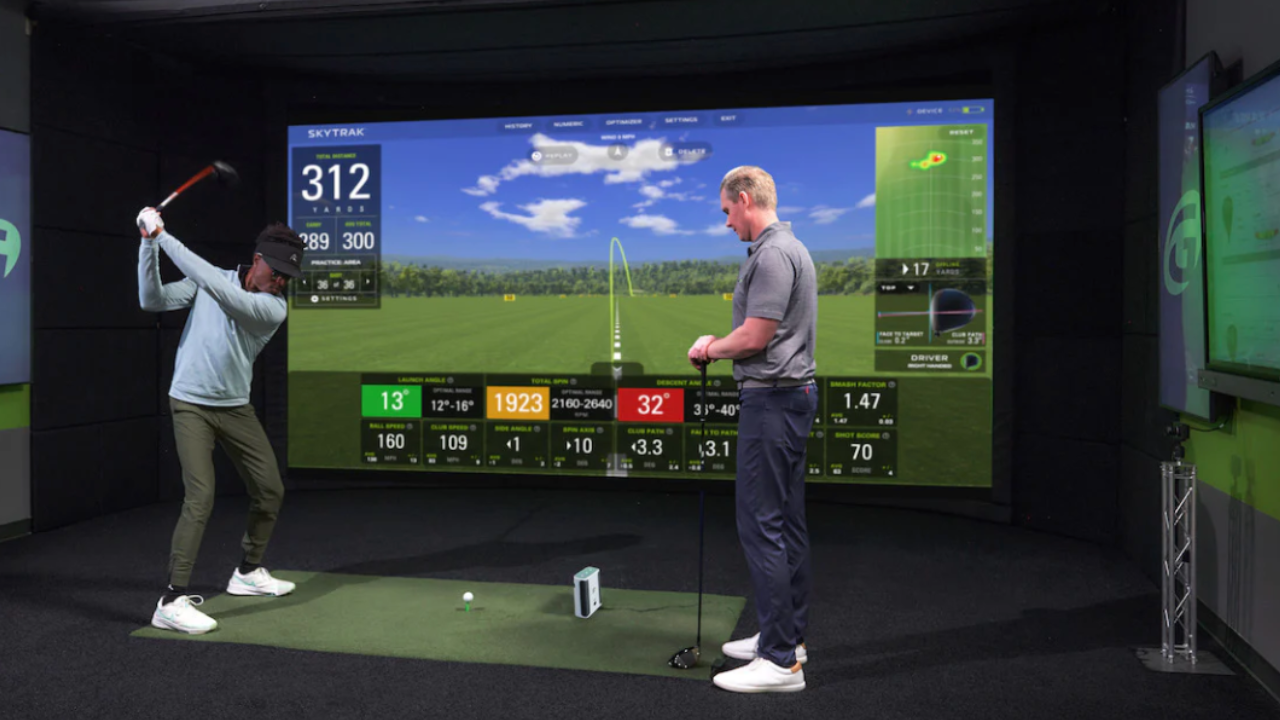
A sensor system that reads your golf ball and swing data, then turns it into a virtual shot.
Depending on the device, it tracks things like:
- ball speed
- launch angle
- spin rate
- club path
- carry distance
But here’s where things split:
Some systems prioritize indoor accuracy
Some prioritize portability
Some prioritize radar realism outdoors that’s adapted for indoor use
That difference is everything.
1. SkyTrak — the “home simulator specialist”
Let’s start with SkyTrak, because this is the one most home golfers end up considering first.
SkyTrak sits in a very specific category:
Photometric (camera-based) indoor launch monitor designed specifically for home simulation.
Why people choose SkyTrak
SkyTrak is popular because it:
- works well in small indoor spaces
- doesn’t require huge ball flight distance
- is designed for simulation-first use
- integrates cleanly with simulator software like E6 CONNECT
For most home users, this is the biggest advantage:
It’s built for the exact environment you’re trying to create.
It doesn’t “adapt from outdoor use.”
It starts with indoor use in mind.
Where SkyTrak fits best
SkyTrak is usually best if:
- you’re building in a garage, basement, or spare room
- you want a dedicated simulator (not a portable training device)
- you care more about consistency than ultra-elite tour-level precision
The tradeoff
SkyTrak is very strong for home simulation, but:
- it can feel slightly slower in feedback compared to radar systems
- it depends heavily on ball striking conditions (lighting, alignment, etc.)
- it’s less “portable athlete-style training tool” and more “home simulator system”
2. Garmin — the “portable swing analyzer”
Now let’s talk about Garmin.
Garmin approaches golf completely differently.
Instead of being built specifically for indoor simulation, Garmin devices (like the R10 and similar systems) are:
Radar-based portable launch monitors designed for flexibility.
Why people choose Garmin
Garmin is attractive because:
- it’s significantly more portable
- it works indoors and outdoors
- it doesn’t require a fixed simulator setup
- it’s one of the most affordable entry points
This makes it popular with:
- beginners testing the idea of a simulator
- golfers who also want outdoor range data
- people who don’t have a permanent dedicated space
The real-world experience
With Garmin, you’re not really buying a “simulator system” first.
You’re buying:
a swing data device that can power a simulator experience.
That distinction matters.
Where Garmin fits best
Garmin is best if:
- you want flexibility over realism
- you don’t have a dedicated room yet
- you’re okay with slightly less refined simulator accuracy
- you want a “try before you commit” setup
The tradeoff
Garmin’s strengths come with compromises:
- indoor accuracy can depend heavily on setup conditions
- it generally requires more space behind the golfer than camera systems
- simulation realism is good, but not as “locked-in” as premium systems
- it can feel more like a training tool than a full simulator environment
3. FlightScope — the “performance + data hybrid”
Now we get to FlightScope, which sits in a slightly more advanced category.
FlightScope systems are radar-based and known for:
high-detail swing and ball data used by serious golfers, coaches, and fitters.
Why people choose FlightScope
FlightScope is often chosen because:
- it provides deep data (spin, club path, face angle, etc.)
- it’s trusted in coaching environments
- it works both indoors and outdoors
- it scales from casual use to serious training
It’s often seen as the “step up” option from entry-level simulators.
The real-world experience
FlightScope feels less like a “game system” and more like:
a performance lab you can also use for simulation.
It’s especially appealing if you care about:
- improving swing mechanics
- analyzing shot dispersion
- dialing in equipment
- long-term skill development
Where FlightScope fits best
FlightScope is best if:
- you want both simulator + training capability
- you’re a serious golfer or improving quickly
- you want long-term upgrade potential
- you value data depth over simplicity
The tradeoff
- setup can feel more technical
- can be overkill for casual entertainment use
- learning curve is slightly higher
- some users don’t need all the data it provides
The real comparison (what actually matters)
Instead of specs, here’s the real breakdown:
If your priority is a true home simulator experience:
👉 SkyTrak is usually the most natural fit
If your priority is flexibility and portability:
👉 Garmin is the easiest entry point
If your priority is performance data + long-term improvement:
👉 FlightScope is the strongest analytical tool
What most buyers don’t realize
Here’s the part that usually clicks too late:
People don’t actually regret the brand they chose.
They regret:
- choosing something that didn’t match their space
- choosing something too complex (or too simple)
- or choosing something that didn’t match their real goal
So the question is NOT:
“Which launch monitor is best?”
It’s:
“What kind of golfer am I trying to become with this setup?”
Because each system pushes you in a different direction:
- SkyTrak → simulation-first golfer
- Garmin → flexible casual + practice golfer
- FlightScope → performance + improvement-focused golfer
Where software fits in (important)
No matter which system you choose, the experience is heavily shaped by software like E6 CONNECT.
This matters because:
- software determines course realism
- gameplay experience
- multiplayer experience
- and overall “feel” of your simulator
A great launch monitor with weak software can feel underwhelming.
A mid-tier launch monitor with great software can feel surprisingly good.
Final takeaway (simple version)
If you strip everything back:
- SkyTrak = best “home simulator foundation”
- Garmin = best entry + portability option
- FlightScope = best performance + data depth
There is no universal winner.
There is only:
the right system for your space, goals, and commitment level